
Have Your Own Business System? Your Qasir Data Can Now Connect via API!
Running a growing business is exciting. But the more activities you have to manage, the more data you need to check every day.
For example, you already use Qasir to record sales transactions, but you also have another app to manage business reports, monitor stock, or analyze business growth.
Ever feel hassled having to pull data from Qasir, only to re-enter it into a different system?
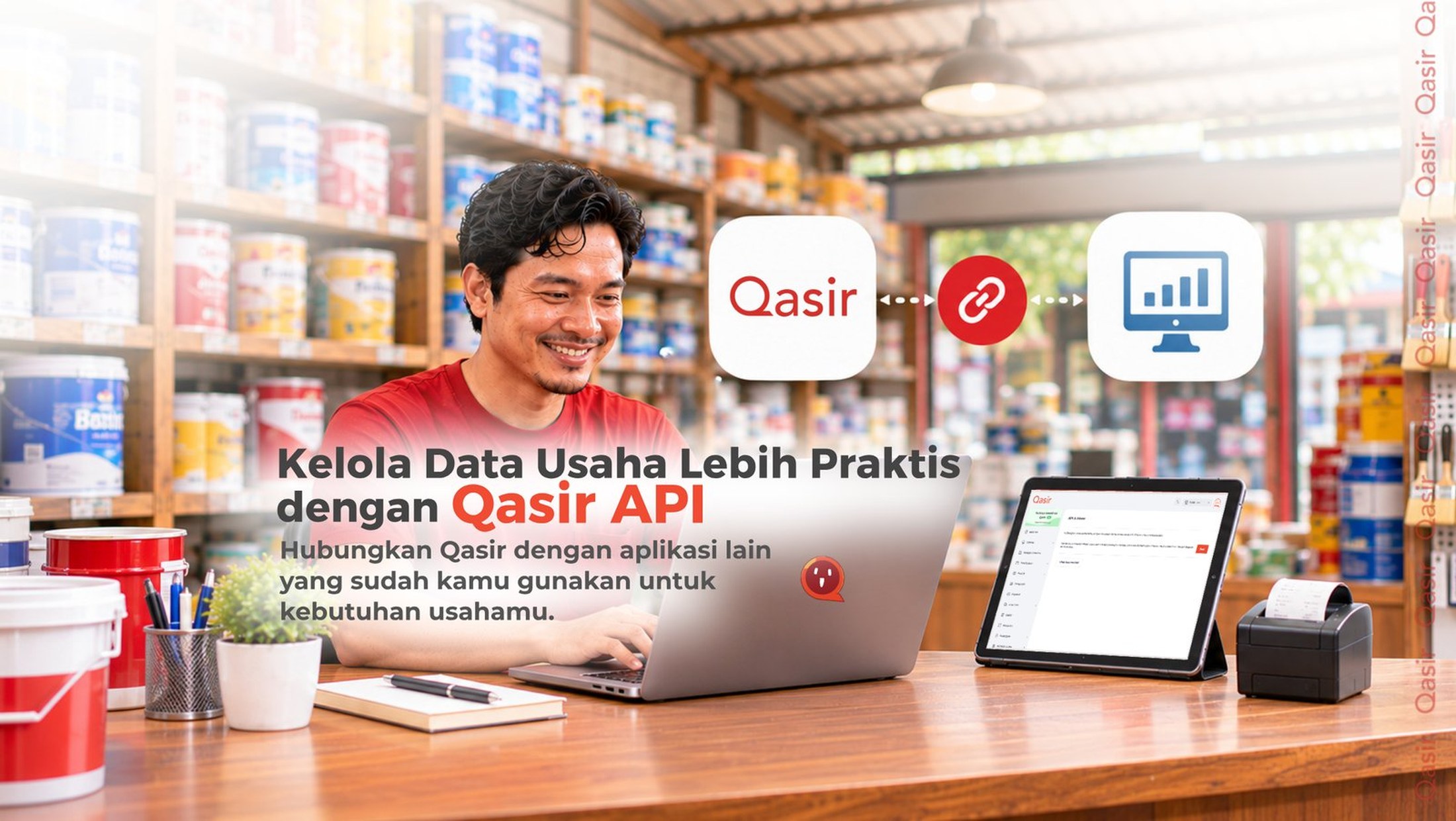
Now there's a more practical way! With Qasir API, your business system can pull data from Qasir automatically — no more constantly moving files around manually.
You Can Already Export Excel, So Why Still Need API?
Qasir already provides a data export feature to Excel files that you can use for reporting and data processing needs. This feature certainly helps if you only need the data once in a while. But what if you need to pull data every single day?
Imagine you have several outlets using Qasir to record transactions. At the same time, you have your own reporting system to monitor the performance of all your outlets.
Every day, you have to:
Open Qasir to retrieve the data.
Export the data to an Excel file.
Move the data into your other business systems.
Double-check whether the data from both systems match.
Doing this occasionally might be fine. But if it has to be repeated every day, it certainly eats up a lot of time, doesn't it? Not to mention when data gets missed or entered incorrectly during the transfer. This is where Qasir API can help make your work much more practical.
Get to Know Qasir API
Qasir API is a feature that lets business owners connect their Qasir data with other systems or applications used to run their business. Simply put, your business system can pull data from Qasir automatically via API. So you no longer have to export Excel files every time you need data for another system.
For example, if you have your own business reporting application, that application can be built to pull the data available through Qasir API. That way, the data collection process becomes much more practical.
Please note that Qasir API is used to read or retrieve data, not to change data already stored in Qasir. The data accessible also follows the scope of the API and the Qasir package you use.
Examples of Qasir API Use Cases for MSME Merchants
1. Retail Store Owner with Their Own Reporting System
For example, you run a paint and building supplies store that uses Qasir for daily transactions. On the other hand, you also have your own system to track your business's sales performance. Instead of pulling Excel reports from Qasir every day, your reporting system can be connected via API to automatically pull the available data. That way, you can focus more on monitoring your business growth without constantly moving files back and forth.
2. Business Owner with Multiple Outlets
Have several business branches and want to monitor their data through your company's internal system? With Qasir API, you can build a system that pulls data from outlets that have access according to your Qasir settings. This can make the data collection process for business analysis much more practical.
3. Merchants Using Business Analytics Applications
Some business owners also use additional applications to create charts, dashboards, or reports tailored to their business needs. Through Qasir API, the available data can serve as an information source for those analytics systems. Do keep in mind that the external application needs to support API integration and be configured correctly to retrieve and process data properly.
Connecting Qasir with other systems isn't just about technology. The goal is to make your daily work more efficient. Here are some benefits you can enjoy:
- Save more time. Reduce the daily work of manually retrieving and transferring data.
- More practical. Your Qasir data can be used in other systems you already have.
- Reduce the risk of manual errors. No more constantly copying data from one file to another application.
- Support your growing business needs. Data can be used to create reports or analyses tailored to your business needs.
So you can keep using Qasir to record transactions while making use of that data through the business system you already use.
The good news is, Qasir API can be requested by all Qasir users, both Free plan users and subscribers. However, this feature doesn't automatically appear for everyone.
You need to submit an access request to the Qasir team first. Once your request is approved, the API & Access menu will appear in the Qasir Web App and can be used by the business account owner (Owner). Keep in mind that the data retrievable via API follows the access rights and the Qasir package currently in use.
Interested in connecting Qasir with your own business system? Here are the steps:
- Submit an access request. Fill out the Qasir API request form via the official link provided by Qasir.
- Wait for approval from the Qasir team. The Qasir team will process your feature access request.
- Open the Qasir Web App. Once approved and the feature is activated, log in using the Owner account.
- Go to the Account → API & Access menu. This menu will be available after access is activated.
- Prepare your API access. The Owner can create a Secret Key for the business and a Token for each outlet.
- Connect to your business system. Use that API access to integrate Qasir data with an external system according to the technical documentation.
Because the integration process requires technical configuration, you may need help from your IT team or the developer who manages your business system. Make sure your Secret Key and Token are stored securely and not shared with unauthorized parties.
Manage Your Business Data More Practically with Qasir API!
Growing a business doesn't mean you have to do everything manually. If you've been using Qasir alongside other applications and having to export Excel files over and over, Qasir API can be the solution to simplify your data retrieval process. With a connected system, you can reduce repetitive work and focus more on growing your business.
Want to connect your Qasir data with your own business system? Request Qasir Merchant API access now via https://bit.ly/QasirMerchantAPI. Once your request is approved by the Qasir team, you can start using the API & Access menu through the Qasir Web App. For a better experience with more data, you can subscribe to Qasir Pro or Pro Plus and get up to 6 extra months of active period — contact your Account Executive now!