
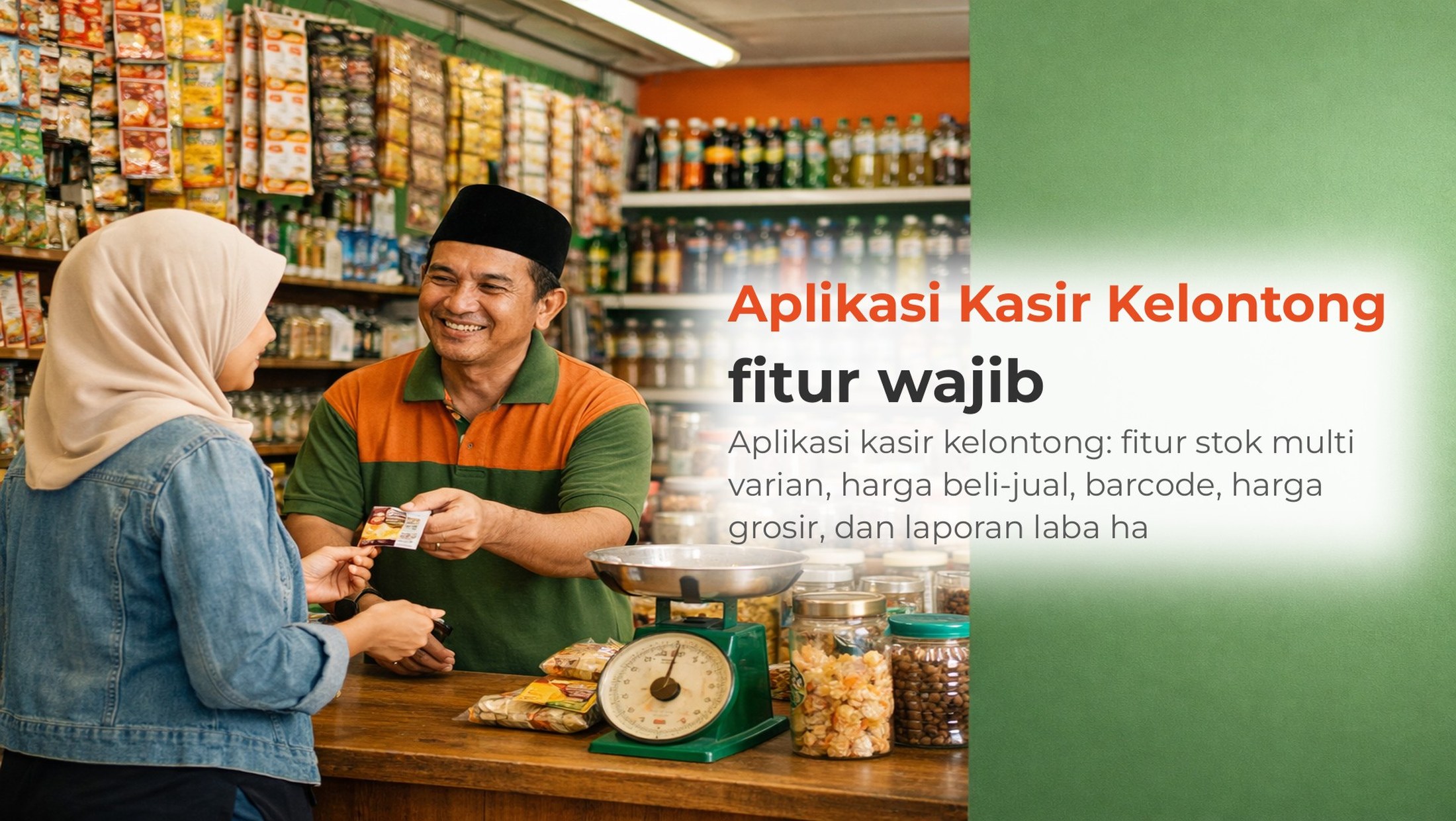
A grocery store and a small neighborhood shop run on shelves packed with variants, from one and two litre cooking oil to five kilo rice bags, coffee sachets, and hundreds of small items around them. Stock moves fast, buying and selling prices differ, and some customers buy in bulk to resell. A grocery POS app such as Qasir records all of it in one place, so daily revenue, stock, and profit can be read without recalculating the notebook. This article walks through the 7 features a grocery store owner needs most, with the exact steps to use each one.
Why a grocery POS Matters for Grocery Stores and Small Shops
A grocery store turns over hundreds of SKUs every day, each with variants, wholesale tiers, and a stream of customers who buy now and pay later. A generic cashier app cannot keep variants, cost prices, and credit notes separated without manual workarounds. A dedicated grocery POS system keeps those moving parts in one place so the owner sees real margins instead of guesses.
7 Must-Have Features of a grocery POS for Your Store
Recording Daily Sales per Product Variant
A single product name often carries several variants at different prices, such as one and two litre cooking oil or five and ten kilo rice bags. Qasir grocery POS stores a variant as part of one product, so sales of both variants stay separated inside the same report. Using it takes three steps: create the product with its variants, pick the right variant during checkout, then open the daily sales report to compare which variant moves fastest.
Updating Stock for Fast-Moving Items
Items such as salt, coffee sachets, and drinking water usually run out before anything else, so they must be restocked before customers come looking. Qasir grocery POS offers stock adjustment, product reminders, and a stock history to follow every movement. Log a supplier purchase as a stock adjustment, let stock fall automatically on every sale, then check the reminder list to refill items close to running out.
Separating Buying Price and Selling Price per Item
Many grocery stores still keep buying prices in one book and selling prices in another, which makes the real margin hard to see. A grocery POS system stores the cost price and the selling price inside one product record, and the cost price can be updated whenever a new purchase arrives. Fill in the cost price when you add a product, fill in the selling price in its own field, then review the margin list whenever you plan to raise a price.
Running Automatic Wholesale Prices per Buyer Level
A small shop usually serves two kinds of customers: those who buy a few items at the counter, and those who purchase in bulk to resell. Qasir grocery POS has a wholesale price feature, meaning a special price with a minimum purchase quantity that applies automatically once a transaction is recorded. Set the wholesale price and minimum quantity for products often bought in bulk, then select the wholesale price level during checkout. The full walkthrough is in our article on the wholesale price feature in Qasir.
Scanning Barcodes and Totalling the Receipt in Seconds
Barcodes already sit on nearly every packaged product, so scanning one is far faster than typing each product name by hand. A grocery POS can scan a barcode with the phone camera, total the basket right away, then print the receipt or send a digital receipt to the customer. Save the barcode of every product while building the catalog, point the camera at the barcode during checkout, press scan, and confirm the amount before taking payment. Receipt layout options are listed under additional Qasir features.
Reading the Daily Profit Report per Item
A busy shop is not automatically a profitable one, because the item that sells most is often not the one with the best margin. The Qasir sales report shows sales, profit, and best-selling products for any period, together with the cash recap, and on the Pro package it can be emailed to you automatically. Close the till at the end of the shift, open the sales report menu, pick the daily date range, then compare the profit column item by item. Reading the numbers is explained in our article on sales data for your shop.
Recording Customer Credit Through Receipt Notes
Plenty of customers buy now and pay next week, or settle the bill by swapping goods. The extra notes feature on the receipt keeps a credit record attached to the transaction, so it no longer disappears between stacks of paper slips. In the notes field, the owner can write the customer name, the remaining balance, or the agreement about replacement goods. Switch on the extra notes feature, fill in the credit detail while the transaction is created, then follow it through the transaction history and the store credit feature. Why customer records matter is explained in our article on why customer data matters for small businesses.
Table: 7 grocery POS Features and Their Benefits for Grocery Stores
The summary below makes it easier to decide which features to install first in your store.
| No | Feature | Function | Benefits for Grocery Stores and Small Shops | How to Use It |
|---|---|---|---|---|
| 1 | Sales per variant | Records every sale of each product variant | Prices stay tidy across variants and easy to compare | Create the product, add variants, pick one at checkout |
| 2 | Automatic stock | Reduces stock whenever an item is sold | The shelf and the record always match | Log purchases through stock adjustments |
| 3 | Cost and selling price | Stores buying and selling price per item | The margin of every item stays visible | Fill the cost price on purchase, set the selling price |
| 4 | Wholesale price | A special price with a minimum purchase quantity | Bulk buyers are served without changing the catalog price | Set the wholesale price and the minimum quantity |
| 5 | Barcode and receipt | Scans barcodes, totals the bill, prints the receipt | Shorter queues and less paper spent on receipts | Save the barcode and scan it with the camera at checkout |
| 6 | Daily profit report | Shows sales, profit, and best-selling products | Profit per item can be read every evening | Close the till and open the daily sales report |
| 7 | Credit notes | Keeps customer credit notes on the receipt | Customer debts are never lost | Turn on extra notes and fill them during checkout |
3 Tips for Choosing a grocery POS for Grocery Stores and Small Shops
Test It with Your Own Real Data
Never judge a grocery POS app by its layout alone. Enter your 20 best-selling products with their variants, buying prices, and selling prices, then record 10 transactions exactly as they happen on a normal day. That run shows which features slow you down when a queue forms. A similar test is described in our article on the cashier app for food stalls.
Prioritise Variants, Wholesale, and Credit
Decide first which features your shop actually needs every day. For a grocery store, product variants, wholesale pricing, and credit notes usually deliver the fastest improvement, because those three are the most common complaints from customers and from staff behind the counter.
Watch the Daily Report, Not Just the Revenue
High revenue does not automatically mean healthy profit. Open the daily profit report per item every evening, then check whether a fast-selling product carries a thin margin, or a high-margin product barely moves. Decisions to add products or change prices can then be made from numbers instead of guesses.
FAQ: Frequently Asked Questions About a grocery POS
Does a grocery store really need a grocery POS app?
Yes, especially once the product list grows long and buyers start negotiating wholesale prices. A grocery POS replaces the sales book and the stock book with one record you can read at a glance, so there is no more matching the cash drawer at the end of the day.
How much does a grocery POS cost?
Qasir opens every feature during a 7 day free trial. After that, subscription packages are available for a 12 month or 24 month period, and the package options are listed on the Qasir Pro package pricing page.
Can Qasir run on a phone only?
Yes. Qasir runs on Android devices, so a single phone is enough to record sales, print receipts through a connected printer, and open reports. For a shop with several staff behind the counter, staff access rights can be set so each person only handles their own tasks.
How do you record wholesale prices and customer credit?
They are two separate features that work well together. A wholesale price is set per product together with its minimum purchase quantity, while customer credit is written in the notes field of the receipt so it stays attached to the transaction. When a customer settles the balance, simply record the payment on the next transaction.
Can the daily profit report be downloaded?
Yes. Sales and stock data can be exported from the dashboard and saved as a spreadsheet, so the owner can compare periods without depending on the app.
Business and Finance Tips for Grocery Stores and Small Shops
Keep shop cash separate from personal money, so the profit you see really belongs to the business.
Count the items that move slowly every month, then buy fewer of them before the money sits on the shelf.
Hold back an emergency fund for surprise purchases, such as cooking oil or sugar when the price is climbing.
Review buying prices regularly and compare suppliers, because a margin that leaks little by little feels large over a year.
Record income and expenses separately from sales, then build a cash recap at the end of the day. The simple method is described in our article on starting to record income and expenses.
Qasir Features for Grocery Store Businesses
Digital Cashier for Daily Transactions
The digital cashier transaction feature records cash and non-cash payments including QRIS, prints the receipt, and sends a digital receipt, so the queue at the counter no longer piles up on a busy day.
Stock Management and Product Reminders
Stock management, stock history, and product reminders work as one system: items fall automatically when sold, the history keeps every movement, and the reminder list flags products close to running out. Together they let you build the next purchase order from data instead of guesswork.
Automatic Sales Reports and Cash Recap
Basic sales reports sit in the app, while on the Pro package advanced sales reports are emailed automatically, together with the cash recap, business insights, and dashboard access. A complete guide to every feature is available in the guides at bantuan.qasir.id.
Very helpful, and easy to implement. The support team is responsive and covers every need a grocery store has.
Irvan, Google Play review, 5 stars, August 2026
Conclusion
Choosing the right grocery POS is not about picking the app with the longest feature list, it is about the features you actually use every day: recording sales per variant, stock that falls on its own, buying price and selling price kept apart, wholesale prices per buyer level, barcode scanning, a daily profit report per item, and credit notes on the receipt. Those seven features cover the daily problems of a grocery store, from shelves that change fast to stacks of customer notes.
Shop owners can start with a 7 day free trial, load a simple catalog, then add more features once the records are clean. A picture of Indonesian MSME conditions is in our article on MSME conditions in Indonesia 2026.
Run Your Grocery Store More Easily with Qasir Features
A digital cashier with cash, non-cash, and QRIS payments plus digital receipts.
Stock management, stock history, and product reminders that keep the shelf accurate.
Wholesale prices, discounts, and product variations set directly from the catalog.
Sales reports, profit per item, and a daily cash recap that can be exported.
Customer credit notes and the store credit feature so bills never get lost.
All of it can be tried during the 7 day trial by downloading the Qasir app from Play Store. For retail needs, Qasir business solutions for grocery stores summarises the features that matter most for this type of business, so you can check them before choosing a package.