
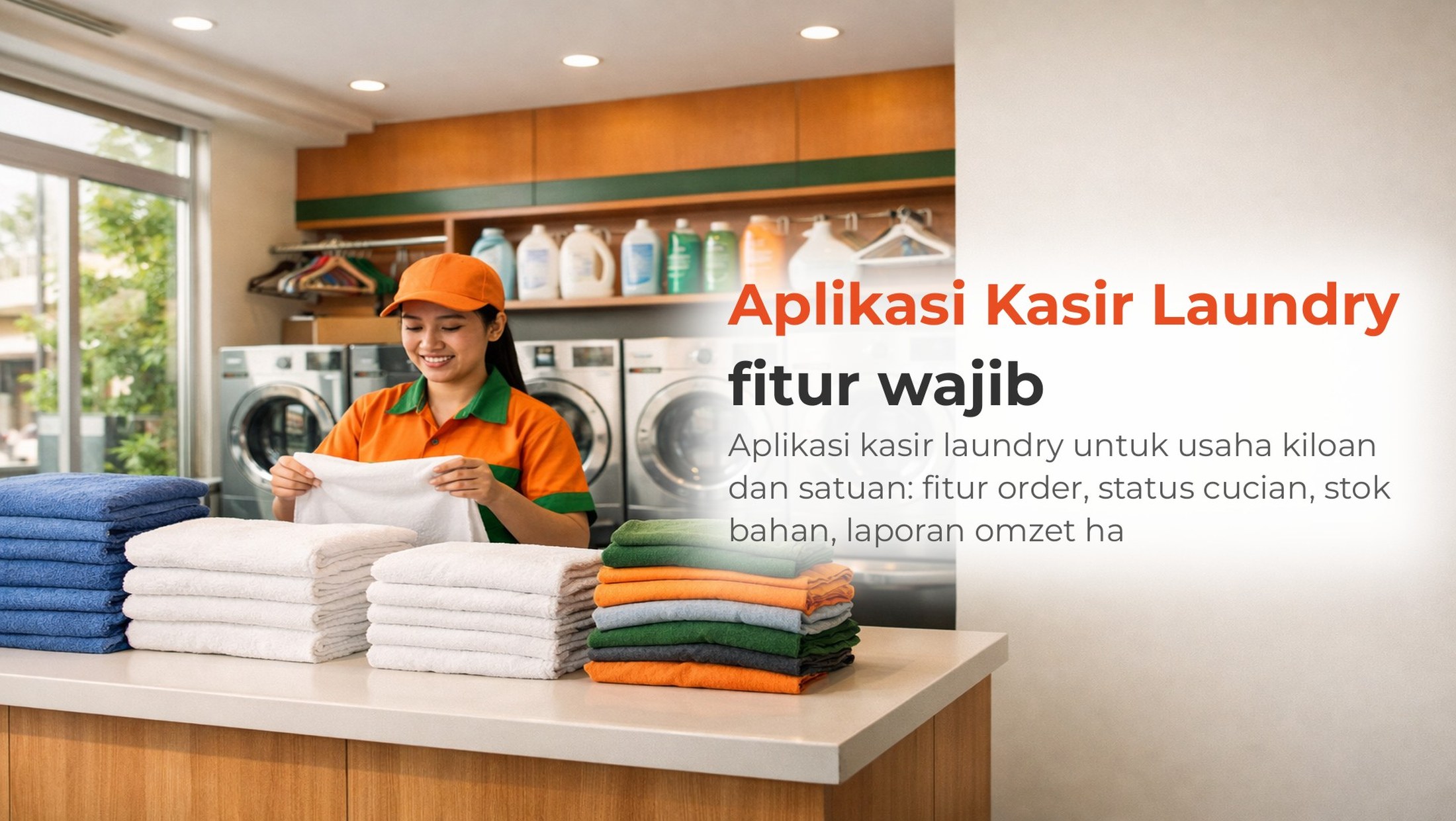
A laundry laundry laundry POS laundry POS app turns a small kiloan or single-item laundry operation into a tidy, measurable business. One dryer, a few clothes racks, and customers who drop off almost every day is how most of these shops begin, yet the routine never changes: take the order, count the kilograms, note the name, mark the batch ready for pickup. A laundry laundry laundry POS laundry POS keeps every step in one place, so paper no longer piles up at the weekend.
What Is a Laundry POS and Why It Matters for Kiloan and Single-Item Businesses
A laundry laundry laundry POS laundry POS is a point of sale application used to record orders, payments, and consumable supplies. Whether the shop washes by the kilogram or by the piece, it answers three questions: how many orders came in today, who has not picked up yet, and how much detergent is left.
Every order records weight or item count.
Wash status stays visible per customer, so handwritten notes can go.
Detergent, softener, and packing stock are monitored before they run out.
Daily revenue and cash in are captured without recalculation.
7 Laundry POS Features That Keep the Business Tidy
The seven features below are used every day by kiloan and single-item shops. They run inside one laundry laundry laundry POS laundry POS app on a phone, so staff need one device to record orders, check stock, and take payment.
Recording Kiloan and Single-Item Orders on One Receipt
Kiloan and single-item orders can share one receipt. A customer may combine two bags washed by the kilogram with three pressed shirts, so the end-of-day count no longer has to be taken apart.
Open the transaction screen and pick the service.
Enter the weight in kilograms or the item count.
Save the customer name so the order is easy to find at pickup.
Tracking Wash Status for Every Customer
Many shops stall because wash status lives only in a staff member's memory. Once recorded, any customer can be answered straight away, with no paper note to dig for.
Mark the order as received at the counter.
Update the stage as it moves from washing to ironing to ready.
Use the order history when someone asks about their batch.
Checking Detergent and Softener Stock Automatically
Running out of supplies on a busy day means orders pile up and customers wait longer. Detergent, softener, and packing material should be tracked as consumed items, not guessed.
List detergent and softener as stock items in the product catalog.
Reduce the balance when daily usage is recorded.
Check the remaining amount before large holiday orders.
Applying Wholesale and Per-Kilogram Pricing
Price per kilogram and price per item can sit side by side, while a wholesale rate applies automatically above a set minimum. Such a rule is easier than expecting staff to remember every price.
Create separate products for each service type.
Set the minimum quantity that activates wholesale.
Check the price list before confirming a quoted amount.
Printing Digital Receipts and Accepting Cashless Payment
Many customers now pay without cash, from QRIS scans to bank transfers. A digital receipt lets customers check the details without paper, and the payment lands in the same register.
Turn on digital receipt delivery to the customer email.
Accept QRIS, transfers, and cash within one transaction flow.
Print a paper copy only when the customer asks.
Reading Daily Revenue Reports per Outlet
Daily revenue no longer has to be guessed from receipts. The sales report shows revenue per outlet, kilograms washed, and which service sells best. That is where a laundry laundry laundry POS laundry POS earns its keep: an owner with several branches compares this week against last week without asking staff for a summary each shift.
Open the sales report right after closing the register.
Pick a date range and compare revenue across outlets.
Flag services with thin margins for price review.
Reconciling Cash In and Monthly Operating Costs
Money coming in and money going out are two sides of the same business. Cash in comes from every recorded payment, while costs such as electricity, water, detergent, and wages are entered as cash out. The monthly report can then close without rebuilding numbers by hand.
Record cash out for rent, electricity, water, detergent, and wages.
Compare total cash in against total cash out each month.
Keep business money separate from personal funds.
Table: 7 Laundry POS Features and Their Benefits for Laundry Businesses
The summary below makes it easy to compare which capabilities matter most for a kiloan or single-item operation. Each row points to what the laundry laundry laundry POS laundry POS changes in daily work.
| No | Feature | Function | Benefit for kiloan and single-item laundry businesses | How to Use It |
|---|---|---|---|---|
| 1 | Record kiloan and single-item orders | One receipt for every order type | Faster queue, no order left out | Pick service, enter weight, save name |
| 2 | Track wash status | Each stage stored in the order history | Customers stop coming in to ask status | Update status until ready |
| 3 | Check detergent and softener stock | Daily usage of supplies recorded | Stock running out caught before big orders | Set a minimum, review each morning |
| 4 | Wholesale and per-kilogram pricing | Special rates apply above a minimum | Prices stay consistent as volume grows | Define price and minimum quantity |
| 5 | Digital receipts and cashless payment | Receipts by email, QRIS and transfers | The sale ends without printing paper | Connect printer, send receipt |
| 6 | Daily revenue report per outlet | Revenue, kilograms, and top services together | Revenue not recalculated by hand | Open the report at every closing |
| 7 | Cash and cost reconciliation | Cash in and cash out in one period | Gross profit visible without extra work | Reconcile daily, review monthly |
3 Tips for Choosing a Laundry POS for Kiloan and Single-Item Businesses
Choosing a laundry laundry laundry POS laundry POS means watching how the work flows, not counting features on a screen. The three points below decide whether a system feels light or adds counter work.
Test the Order and Wash Status Flow
Ask for a demo, then enter one order by the kilogram and one single-item order as a trial. Notice whether the receipt builds itself, whether the weight can be recorded, and whether each stage updates without another screen. A flow you can try is more convincing than a feature list. A similar walkthrough appears in the guide to cashier apps for service businesses.
Bring a real order example.
Move the status from received to ready.
Check that order history is easy to search later.
Make Sure Supply Stock and Per-Kilogram Pricing Are Covered
Detergent, softener, and packing material are the largest running costs for a kiloan shop, so usage has to be visible. Confirm the system has a stock menu with sensible units such as litres, kilograms, or pieces, plus a minimum alert. Materials get reordered before a holiday weekend fills the queue. The wholesale price layer is covered in the article on maximizing sales with wholesale pricing.
Set minimum levels for detergent, softener, and packing.
Separate consumables from resale items.
Record the latest purchase price to keep margin figures accurate.
Check Daily Reports and Support
The part most often skipped is the part that matters most. Ask to see a sample daily revenue report, a cash reconciliation, and how a question reaches support. A system with tidy data that is hard to ask about only adds time. Step-by-step guides sit in the Qasir help center, and plans are under Qasir Pro pricing.
Ask for a revenue and cash report demo.
Check that one receipt can be traced.
Make sure support is easy to reach.
sangat membantu, apalagi untuk update stock, harga dll. laporan juga cepat laporan harian penjualan dll. cs juga ramah dan cepat pelayananan
The review above is from Monji, Google Play review, 5 star rating, August 2026.
FAQ: Frequently Asked Questions About a Laundry POS
Can one laundry POS handle both kiloan and single-item orders?
Yes. Most shops run both services at once, and a laundry laundry laundry POS laundry POS stores them as separate products or services. Kiloan is priced per kilogram while single items are counted one by one, yet both land on one receipt, so the reconciliation stays whole.
How do I track the wash status of each customer?
Every order carries a status that can be changed, from received through washing and ironing to ready for pickup. A customer asking about their batch is answered from the order history, with no paper note to search. Stored customer details also make reminders easier, as shown in the article on keeping customer data for repeat business.
Can detergent and softener stock be monitored automatically?
Yes. Detergent, softener, and packing material are stored as consumable items, and the balance falls each time an order is processed. Once a minimum is set, the owner learns to buy supplies before an order is turned away for lack of stock.
Can wholesale and per-kilogram prices be set separately?
Yes, and they should be. Kiloan, single-item, and full-service packages are created as separate products with their own prices, then a wholesale rate applies automatically above a minimum. That rule keeps pricing consistent on a busy day and removes long negotiations during the transaction.
Are cash in and cash out recorded in the same place?
Yes. Every payment is recorded as cash in, while costs such as electricity, water, detergent, and wages are entered as cash out. Once compared, monthly gross profit is visible without rebuilding figures by hand. The method is described in the guide to recording income and expenses, while the revenue side is covered in the piece on reading sales data.
Business and Finance Tips for Kiloan and Single-Item Laundry Businesses
A register only helps when it is used to make decisions. The four principles below apply once the system is in daily use.
Calculate margin per kilogram, not just revenue. Split the kiloan selling price against detergent, softener, packing, electricity, water, and wages. A laundry POS keeps those costs attached to the orders that caused them.
Set aside an emergency fund for machine repairs. Dryers and compressors are the main assets, so a large repair bill should come from monthly revenue, not operating cash.
Separate business cash from personal cash. Keep a dedicated account for incoming payments and a fixed schedule for transfers.
Review service packages every three months. Order data shows which services sell best and which hours are busiest, so express prices need no guesswork.
Qasir Features for Laundry Businesses
Digital Cashier for Kiloan and Single-Item Orders
Kiloan and single-item orders are captured on one screen with weight, item count, and customer name. Staff select the service, type the numbers, and confirm payment without doing arithmetic.
Supply Stock for Detergent and Softener
Daily usage is recorded, so the remaining detergent and softener are always known. An outlet holding raw materials can watch the quantity on the dashboard and reorder in time.
Digital Receipts and Cashless Payments
Receipts go to the customer by email while QRIS, transfers, and cash are accepted in one flow. The layout can show the logo, outlet address, and notes that suit the shop.
Sales Reports and Automatic Cash Reconciliation
Daily revenue, best sellers, and cash reconciliation sit on the dashboard with no manual work. The full feature list is on the Qasir feature page and the laundry business solution page.
Conclusion
A kiloan or single-item laundry business is simple in equipment, yet not in records. One mistake in a kilogram figure or one wash stage marked wrong can damage a small margin. A laundry laundry laundry POS laundry POS closes that gap by bringing orders, status, stock, payments, and reports into one place on a phone.
Picking the right system does not have to start from the longest feature list. Start with the daily flow: accept kiloan and single-item orders, track wash status, watch detergent and softener levels, and close the cash book daily. A system that fits those needs gets used every day, and the rest added as the business grows.
Run Your Laundry Business More Easily with Qasir Features
Qasir provides one register with these features.
Digital cashier for kiloan and single-item orders on one receipt.
Wash status per customer, updated at every stage.
Supply stock for detergent, softener, and packing with minimum levels.
Wholesale and per-kilogram pricing that applies automatically.
Digital receipts and cashless payment via QRIS and transfers.
Daily revenue reports and cash reconciliation per outlet.
Qasir can be tried free for 7 days before a subscription decision, and 12-month or 24-month terms suit running businesses. Get the app through the Qasir app download on Play Store, then record the first order the same day. Plan details are under Qasir Pro pricing.