
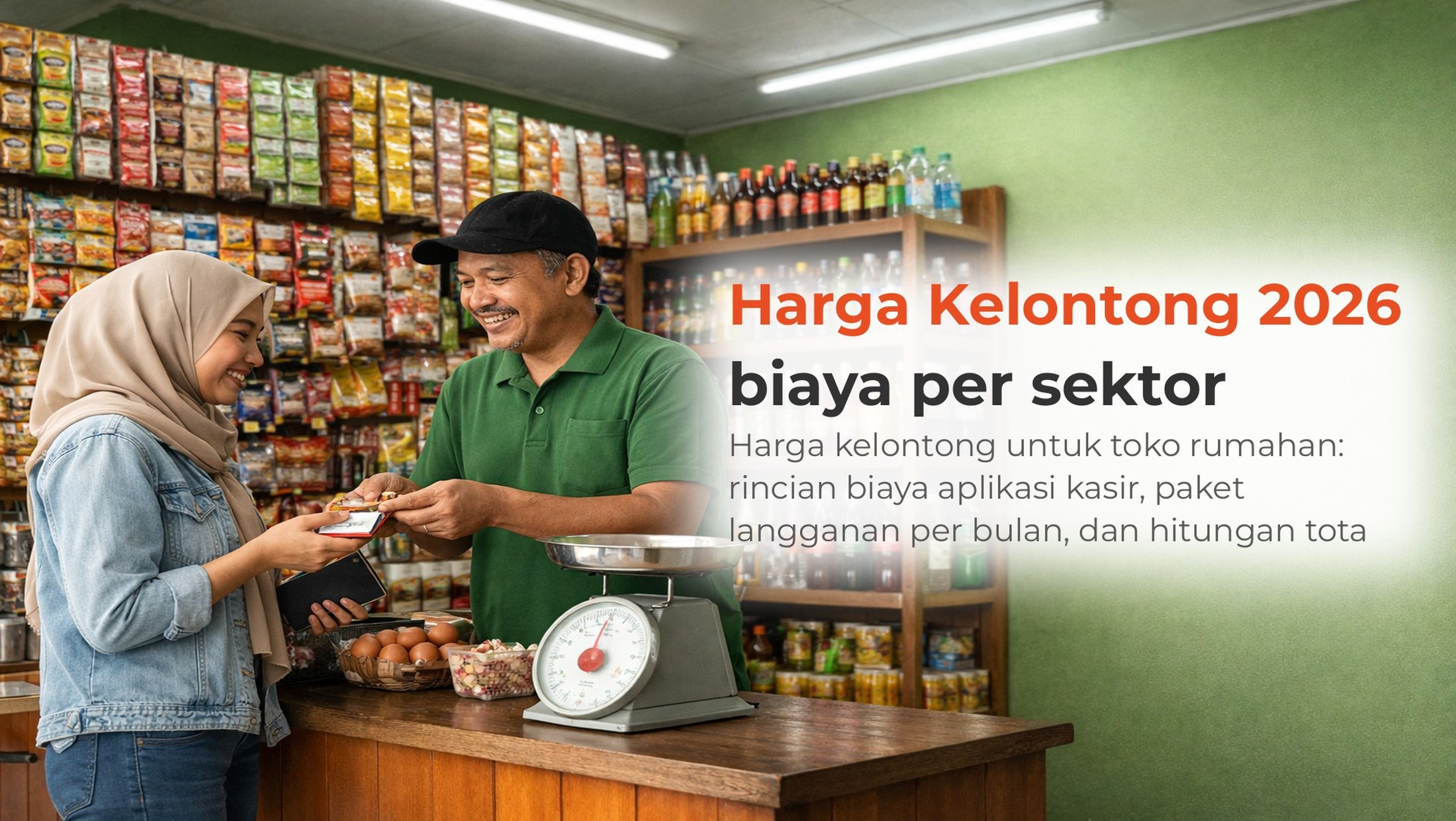
A small grocery shop runs on many tiny purchases every single day, from rice and cooking oil to detergent and diapers. That is why operating cost cannot be judged from daily turnover alone, but also from the cost of the cashier app, subscription package, device, and any extra outlet you run. This guide breaks down grocery pricing and monthly costs from the cost side, with package details per month, a comparison between manual record and a digital system, and practical tips for a home shop. All cost figures were reviewed on 24 December 2026 and may change at any time, so check the official page before you decide.
What Grocery Pricing Is and Why It Matters for Grocery Stores and Small Shops
Grocery pricing here does not only mean the number printed on the shelf label. It means the full picture of grocery pricing and what a shop has to spend to stay open: money tied to merchandise, buying and selling price of each item, monthly cashier app subscription affecting grocery pricing, device cost, fee for extra outlets in grocery pricing, and cost of settling digital payments. Splitting these parts apart matters because only then can an owner see which costs are worth cutting and which add profit.
Merchandise money: cash locked in unsold goods, including items that spoil.
Cashier subscription: the monthly fee for a cashier app package, depends on package and period chosen.
Device and extra outlet: one phone for the counter, fee once you open a branch.
Manual record: hours spent counting, fixing messy records, keeping paper ready.
7 Factors That Drive Grocery Pricing Every Month
Recording Daily Sales for Every Product Variant
A shop that sells one item in several variants, like cooking oil in 1 litre and 2 litre bottles, gets confused fast when records are manual because each variant carries a different selling price. Qasir keeps every variant as a separate product, so daily turnover per variant is visible right away. Practical step: create a separate product for each variant, fill in the buying and selling prices, then use the daily report to see which variant moves fastest.
Updating Stock for Fast-Moving Items
Rice, sugar, and cooking oil can be sold out within hours, especially weekends. With stock recorded in the app, the quantity drops automatically after every transaction, so you know what needs reordering. Practical step: set a safety stock level for your fastest items, then turn on product reminders as your reorder alert.
Separating Buying Price and Selling Price per Item
Many shops merge both numbers into one note, so the margin can only be guessed. Qasir stores the buying and selling price of each item separately and calculates the difference automatically in the profit report. Practical step: fill in both prices when you add a product, then check the margin on the daily report.
Running Automatic Wholesale Pricing by Buyer Level
Neighbouring warungs and small shops usually buy in bulk and expect their own discount. Qasir runs wholesale pricing automatically per purchase level, so bulk buyers get a different price according to quantity, with no manual calculation during the sale. That is part of how grocery pricing stays consistent, and the levels are explained in the guide to the wholesale price feature.
Scanning Barcodes and Totalling Receipts in Seconds
In a busy shop, typing item names one by one makes the queue grow at the counter. Barcode scanning calculates the receipt automatically in seconds, so customers do not wait long. Practical step: print barcodes for your best selling products, then scan the code during checkout.
Reading Daily Profit Reports for Every Item
Big turnover does not always mean big profit, and shop owners fail to see which items contribute. The daily profit report per item shows what is profitable and what only sells with a thin margin. Practical step: open the report every night, compare sales against profit per item, then revisit the selling price of items that need a change.
Tracking Customer Credit Through Receipt Notes
Regulars often buy now and pay at the end of the month, and a missing credit note makes turnover look smaller than it really is. Notes on the receipt keep the list of customer debts tidy without an extra notebook. Practical step: write the customer name and amount owed in the note field during the sale, then review the credit list every weekend.
very helpful indeed, easy to apply, the support team responds fast, and it covers everything a small grocery shop needs day to day
Irvan, Google Play review, 5 stars, August 2026
Table: Monthly Cost Comparison Between Manual Bookkeeping and a Grocery POS App
The table compares what a grocery shop spends when sales are recorded by hand with what it spends using a cashier app. The subscription figure is omitted because grocery pricing rates can change, so check the Qasir Pro package grocery pricing for current numbers and subscription periods.
| Aspect | Manual Grocery Shop | Grocery POS App | Impact on the Owner | Price Review Date |
|---|---|---|---|---|
| Monthly cashier subscription | None, just a notebook | Subscription to a cashier package for 12 or 24 months after the trial | A fixed, predictable cost never jumps mid month | 24 December 2026 |
| Device cost | A calculator, a notebook, or an old phone | One phone or tablet, plus a receipt printer if needed | Light device cost because no cash register needed | 24 December 2026 |
| Extra outlet fee | None, one shop only | An additional fee for each extra outlet outside the subscription | The cost appears when you open a branch, not the first shop | 24 December 2026 |
| Payment method cost | Handled by a separate provider, easy to miss | QRIS and digital payments sit in the same app | Every payment lands in one record, so cash gaps easier to trace | 24 December 2026 |
| Total per month | Almost no software cost, but heavy on time and prone to errors | Package subscription plus the outlet fee when there is a branch | The cost gap always feels smaller than the profit gap from lost records | 24 December 2026 |
| Note on changing prices | Not applicable, no price to track | Package values can change at any time without notice | Always check the official page before committing to a subscription | 24 December 2026 |
Keep in mind that the figures in the table reflect 24 December 2026 and can change at any time. Other components, such as a receipt printer or queue number, can be prepared through additional Qasir features. Compare monthly cost directly against average daily profit.
3 Tips for Choosing Grocery Pricing for Grocery Stores and Small Shops
Start From the Profit, Not the Package Price
Most owners compare packages only by the invoice amount and then feel they cannot afford it. Compare with honest numbers instead: average daily profit from manual records, transactions per hour during busy hours, and the staff hours you can save. Understanding grocery pricing in depth helps you choose the right package. Practical step: track turnover and profit for two weeks the old way, then work out how much an app is worth to your shop.
Match the Package to Your Customer Flow
A shop that is busy every day with a single outlet differs from a quiet shop with two outlets. Ask for the 7 day trial and test the cashier app in your store, check whether it stays light when the crowd arrives, and see whether the daily report separates profitable items from thin margin ones.
Budget Extra for Outlets and Devices
Plan the device cost from the start, and treat the extra outlet fee as part of opening a branch. Include receipt printing and paper consumption, because heavy trading pushes paper usage up. The full guide is in the guides at bantuan.qasir.id.
FAQ: Frequently Asked Questions About Grocery Pricing and How It Impacts Your Store
How much does a cashier app cost for a grocery shop?
Qasir offers a free 7 day trial so you can try every feature, including the digital cashier, stock management, and sales reports. After the trial ends you choose a subscription for 12 months or 24 months, and the current figures are on the Qasir Pro package grocery pricing page. How to work out profit from daily sales is covered in the article on managing cash in and cash out.
Is the extra outlet fee included in the package?
No. An extra outlet carries a fee outside the subscription, so it only appears once you open a branch. For a shop with a single outlet, there is no need to budget for it at the start.
Can Qasir run on a phone without extra hardware?
Yes. The Qasir cashier app runs on an Android phone, so the only extra device you need is a receipt printer for printed proof. A home shop gets by with one phone it uses every day for selling and checking stock.
Does Qasir support cashless payments and QRIS?
Yes, Qasir supports cashless payments including QRIS, credit notes, and digital payments in one app, so every payment lands in a single sales report. That helps a shop serving customers used to paying without cash but still wanting a complete record.
Can I see sales and stock data from the dashboard?
Yes, sales, stock, and profit data sit in the dashboard and in reports sent to your email automatically. Records stay tidy so nothing gets lost, and customer data helps keep buyers loyal. The full explanation is in the article on why customer data matters for small businesses.
Business and Finance Tips for Grocery Stores and Small Shops
Separate shop money from personal money. Open a business account so the profit shown in the report can be used for restocking.
Calculate the break-even point monthly. Add fixed and variable costs, divide by the average margin per transaction for minimum turnover.
Set aside part of the profit as an emergency fund. Treat it as a fixed cost so unexpected needs never come from working capital.
Review buying and selling prices regularly. When the supplier raises the buying price, adjust the selling price so the margin does not shrink quietly.
Qasir Features for Grocery Store Businesses
Digital Cashier for Paperless Sales
The digital cashier writes every transaction straight into the sales report, so there is no handwritten record left to lose. For a shop with a high volume of daily sales, this cuts the time needed to close the counter and reduces errors.
Stock Management for Fast-Moving Items
Stock levels update automatically after every sale, so the recorded quantity matches goods on the shelf. The feature also records who changed the stock, useful once several cashiers take turns.
Automatic Sales and Profit Reports by Email
Sales and profit reports arrive daily, with a summary per outlet once you have branches. Open the email to see which products contribute. How to read them is covered in the article on finding your best selling products from sales data.
Conclusion
Working out grocery pricing properly means separating every cost: merchandise, the cashier app subscription, the device, extra outlets, and payment methods. Once those parts are separated, an owner can see which costs are worth keeping and which can be reduced, then decide on numbers instead of guesses.
A grocery shop does not need a complicated system. What it needs is tidy daily records, a profit report that is easy to read, and selling prices updated on time. Knowing grocery pricing from the start saves headaches later. Qasir puts all of that in one app, with 12 month and 24 month packages that fit business growth stages.
Start with the guide on recording income and expenses.
Manage Your Grocery Store More Easily with Qasir Features
A digital cashier that records daily sales without paper.
Stock management with reminders for fast moving items and a history of every stock change.
Automatic wholesale pricing per purchase level, with buying and selling prices set per item.
Daily sales and profit reports sent to your email automatically and ready to download.
Cashless payments, QRIS, and digital receipts inside one app.
Outlet, staff, and attendance management for a shop that is starting to grow.
Learn every feature in the guides at bantuan.qasir.id, then download the Qasir app on Google Play and try the 7 day trial. For a shop needing tidy records from day one, the guide on choosing a cashier app for everyday business explains how to pick one, and grocery pricing for smaller shops is covered there too.