
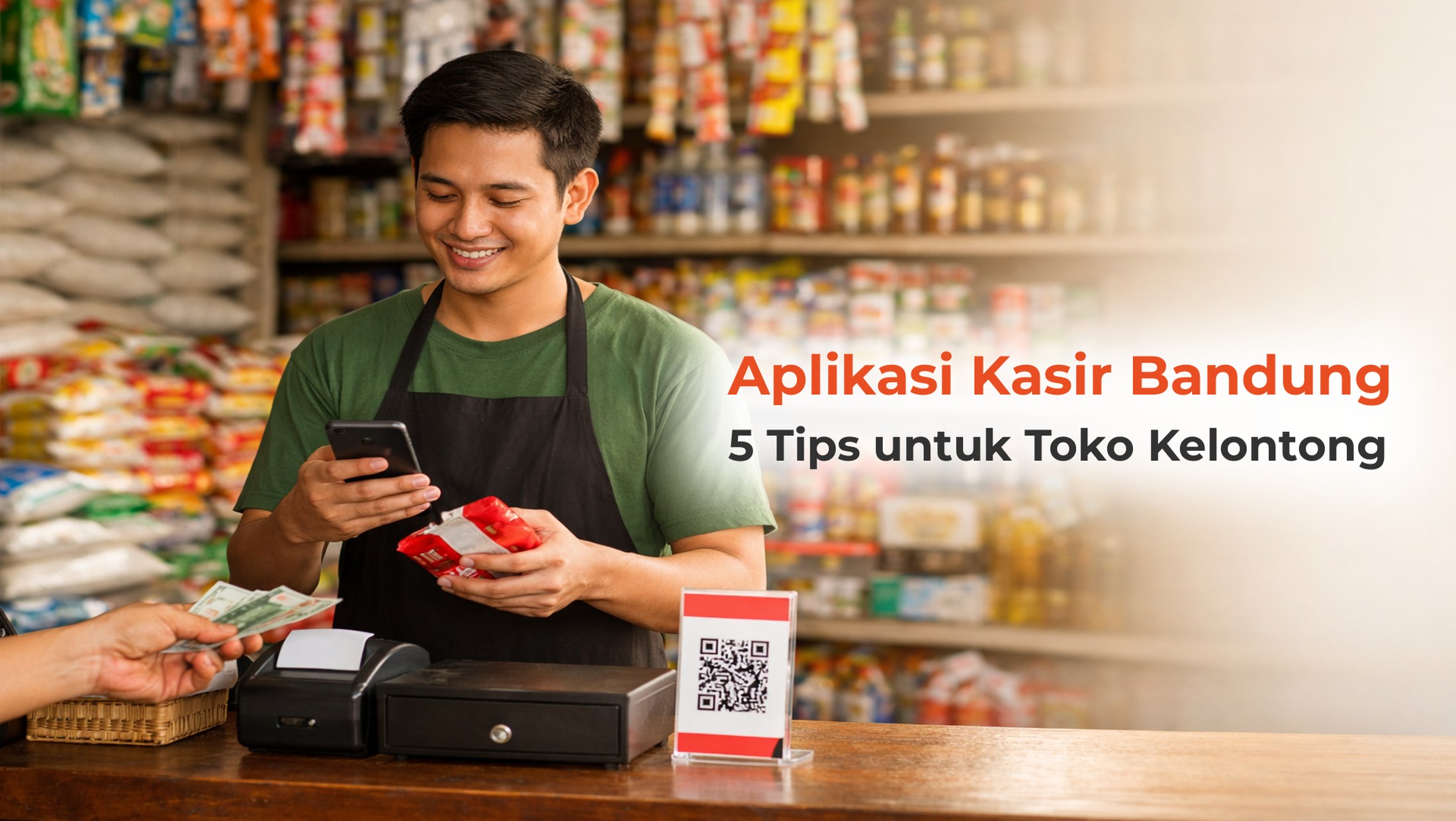
Grocery stores and minimarkets are among the most crowded business types in Bandung. Open Data Bandung, sourced from SIRKUIT, the entrepreneurship system managed by the Bandung City Office for Cooperatives and Small and Medium Enterprises, records micro businesses rising from 8,684 units in 2022 to 12,124 units in 2025. A Bandung City PPID document also cites a BPS figure of 147,999 MSMEs in the area. Among those storefronts, competition is rarely about shelf price alone; it is about serving shoppers faster and recording stock accurately every day.
A POS app for a grocery store in Bandung is simply software installed on a phone or tablet that records transactions, reduces stock automatically, and builds a daily report without manual bookkeeping. Choices range from free versions with limited features to annual subscriptions. Qasir, one of the POS apps widely used by Indonesian MSMEs, opens a 7-day free trial, then continues with the Pro plan at Rp699,000 per 12 months or Pro Plus at Rp1,199,000 per 12 months, excluding tax. Those numbers come from the official Qasir pricing page, so you can verify them before committing.
How to Choose a POS App for a Grocery Store in Bandung
Before downloading anything, prepare the list below. These five criteria answer the questions store owners ask most often when comparing options: what will actually be used every day, what the total yearly cost is, and what happens when the internet goes down mid-shift.
| What a grocery store needs | How to test it during trial | How Qasir handles it |
|---|---|---|
| Fast checkout at peak hours | Enter 10 different products and time yourself during the rush | The digital cashier records transactions from a phone, cash and cashless |
| Stock that drops automatically | Check whether quantities fall on their own after each sale | Inventory management with stock history and stock opname |
| Reports the owner can read | Make sure daily reports exist without recounting receipts | Basic sales reports on every plan, advanced reports sent by email |
| Clear costs from day one | Ask about extra charges per outlet, per staff member, and per transaction | Pro Rp699,000 per 12 months, Pro Plus Rp1,199,000 per 12 months, zero QRIS fee up to Rp100,000 |
| Still works on weak signal | Turn off the connection during trial and see if sales still register | Runs online and offline, syncing data once the connection returns |
The table is a measuring tool, not a shopping list. On cost, the Indonesian POS app market splits in two: some products are free with limits on transactions or features, others are billed monthly or yearly. Compare the total yearly bill, including outlet fees and transaction fees, instead of the promotional first-month price.
Words from Qasir Users
“very helpful, the app is easy to operate, support responds quickly, and it really helps with all kinds of grocery store needs”
Irvan, Google Play review, 5 stars, August 2026
“very helpful for MSMEs to control merchandise stock and know the daily profit”
Pantai, Google Play review, 5 stars, August 2026
Tip 1: Test the POS App During the Morning Rush
The best time to test is not when the store is empty, but when shoppers arrive at once. In many Bandung grocery stores, the busiest window falls around the office lunch break and again in the late afternoon when residents buy ingredients on the way home.
- Enter the full list of popular products first, with prices and categories, so the clerk only has to tap names during the rush.
- Run at least 10 practice transactions, some cashless and some cash, to see whether checkout stays light.
- Time each one. If a transaction takes longer than a paper note would, the option does not fit your store's rhythm.
This kind of test also answers whether the POS app stays comfortable for staff who rarely use gadgets. In published Google Play reviews of Qasir, the simple interface is repeatedly given as the reason new employees learn it quickly.
Tip 2: Make Sure Stock and Reports Open on Your Phone
Grocery store owners usually do not spend the day behind the counter. That is why reading stock and reports from a phone is a deciding factor, not a bonus feature. Open the report menu from your own device during the trial and check three things: whether today's revenue appears immediately, whether the remaining quantity of each item is recorded, and whether you can see which products sold best this week.
If all three are there, you no longer need to stack receipts in a drawer to know how the store is doing. Data like this is what turns buying decisions from guesswork into arithmetic; see the guides on checking best-selling products from sales data and on recording income and expenses.
Tip 3: Count the Total Cost, Not the Promo Price
Advertisements often show a first-month figure, while your store will use the product for years. So add up a full year of cost: the base subscription, extra outlets, hardware such as a receipt printer, and cashless transaction fees. For reference, Qasir charges Pro at Rp699,000 per 12 months and Pro Plus at Rp1,199,000 per 12 months, excluding tax, with a 7-day trial at the start. QRIS transactions up to Rp100,000 carry no fee, and above that amount a 0,7% per-transaction fee applies under the stated terms. Plan-by-plan details are listed on the Qasir pricing page and the Qasir Pro page.
One important note: judge a product by the features your grocery store actually uses every day, not by the total number of features on the list. A single-outlet store with one clerk does not need restaurant table management. Pick the plan that matches your operating rhythm, then move up only when outlets or staff grow.
FAQ: Choosing a POS App for a Grocery Store
What is a POS app, and when does a small store need one?
A POS app is software that records every sales transaction while linking it to stock and financial reports. A grocery store starts needing one when the daily number of transactions outgrows a notebook for tracking revenue, remaining stock, and customer debts.
Is there a free POS app for grocery stores?
Yes. Several vendors offer free versions with limits on features or transaction counts. Qasir provides a 7-day free trial with all features, after which the owner chooses the Pro or Pro Plus plan. What matters is the limit behind the word free, not the label itself.
How much does a POS app cost per year?
Prices in Indonesia vary with the number of outlets and the breadth of features. For Qasir, the Pro plan costs Rp699,000 per 12 months and Pro Plus Rp1,199,000 per 12 months before tax. Also compare extra charges such as added outlets and cashless fees so the number stays honest.
Can a POS app work without internet?
It depends on the vendor. Some stop working when the connection drops, while others store transactions on the device and sync them once the signal returns. For grocery stores in areas with unstable signal, offline ability is worth testing directly: turn off mobile data, run two transactions, and see whether both are still recorded.
Is a POS app suitable for MSMEs?
Yes, as long as it is aimed at the work that used to eat up time: recording sales, watching stock, and closing the daily cash position. According to users who published reviews on Google Play, POS tools are chosen because they speed up record-keeping and make the daily report available without an end-of-day recount.
Business and Finance Tips
Four principles below apply to any grocery store, with or without a digital tool:
- Keep personal money separate from business money. Mixed accounts make profit look larger than it is. A daily cash recap helps you see the gap from day one.
- Set aside an emergency fund before adding capital. Ideally three to six months of expenses, so an urgent need does not force you into high-interest debt.
- Order stock from sales data, not from feeling. Fast-moving goods beat shelves full of stock that ties up cash. Read the weekly pattern before placing the next supplier order.
- Review subscription costs every year. As outlets and staff grow, the plan you use should follow, so the features you pay for are the ones you use.
Qasir Features for a Grocery Store in Bandung
The features below are the ones grocery store owners use most. All of them can be tried during the 7-day trial, and full explanations are available on the Qasir pricing page.
Digital Cashier for Daily Transactions
The digital cashier records each transaction with its products, quantities, and payment method straight from a phone or tablet, including printed and digital receipts. The benefit is that your store's daily revenue records itself, with no need to count the cash drawer at night.
Stock Management and Item History
The inventory feature stores goods in, goods out, and remaining quantities together with a history of changes. The benefit is that you know when to reorder from your supplier before fast-moving items run off the shelf.
Sales and Best-Seller Reports
Sales reports show daily figures, best-selling products, and period comparisons; on selected plans the detailed report is emailed automatically. The benefit is that decisions to add or cut an order are taken from numbers instead of memory.
Cash In and Cash Out Recap
The cash recap gathers all income and spending into a single daily record. The benefit is that the end-of-day difference is easier to trace, and it becomes the basis for keeping customer data and understanding their buying patterns.
For stores that sell goods in bulk, a wholesale price feature is also available, so margins hold when you buy in large quantities.
Conclusion
Choosing a POS app for a grocery store in Bandung does not have to be rushed. The requirements are simple: fast transactions at peak hours, stock that falls on its own, daily reports readable from a phone, and a yearly cost that is clear from the start. With 12,124 micro businesses recorded in Bandung City in 2025, growth comes from serving shoppers faster and reading your own data accurately, not from raising large amounts of capital.
Use the five criteria above during your trial and decide after you have seen the numbers yourself. If you want to see how other Bandung business owners run their shops, read the articles on Cibaduyut shoe makers in Bandung and running a coffee shop in Bandung, plus the official guide to starting a business with Qasir.
Manage Your Grocery Store Easily with Qasir Features
- Digital cashier: record cash and cashless sales from a phone, receipts included.
- Stock management: watch remaining items and their history without recounting.
- Sales reports: see daily revenue and best-selling products at any time.
- Cash in and cash out recap: gather every income and expense in one record.
- Customer features: keep purchase history to encourage repeat visits.
Start with the 7-day free trial, then choose the plan that fits: Pro at Rp699,000 per 12 months or Pro Plus at Rp1,199,000 per 12 months, excluding tax. Full details are on the Qasir pricing page and the official Qasir website, where you can also review every other service offered. Download Qasir for free on the Play Store, and start recording your store's sales from the very first transaction.