
The APJII Internet Profile Survey 2025 records national internet penetration at 80.66%, or 229.4 million of roughly 284 million residents. In cities the figure is 85.53% and in villages 76.96%, so around 55 million people have no internet service at all. Only about 25 million of the 50 million target business owners have joined a digital platform, as Republika explains, so many warung owners still record sales by hand rather than with a POS app. Sources: APJII and BPS.
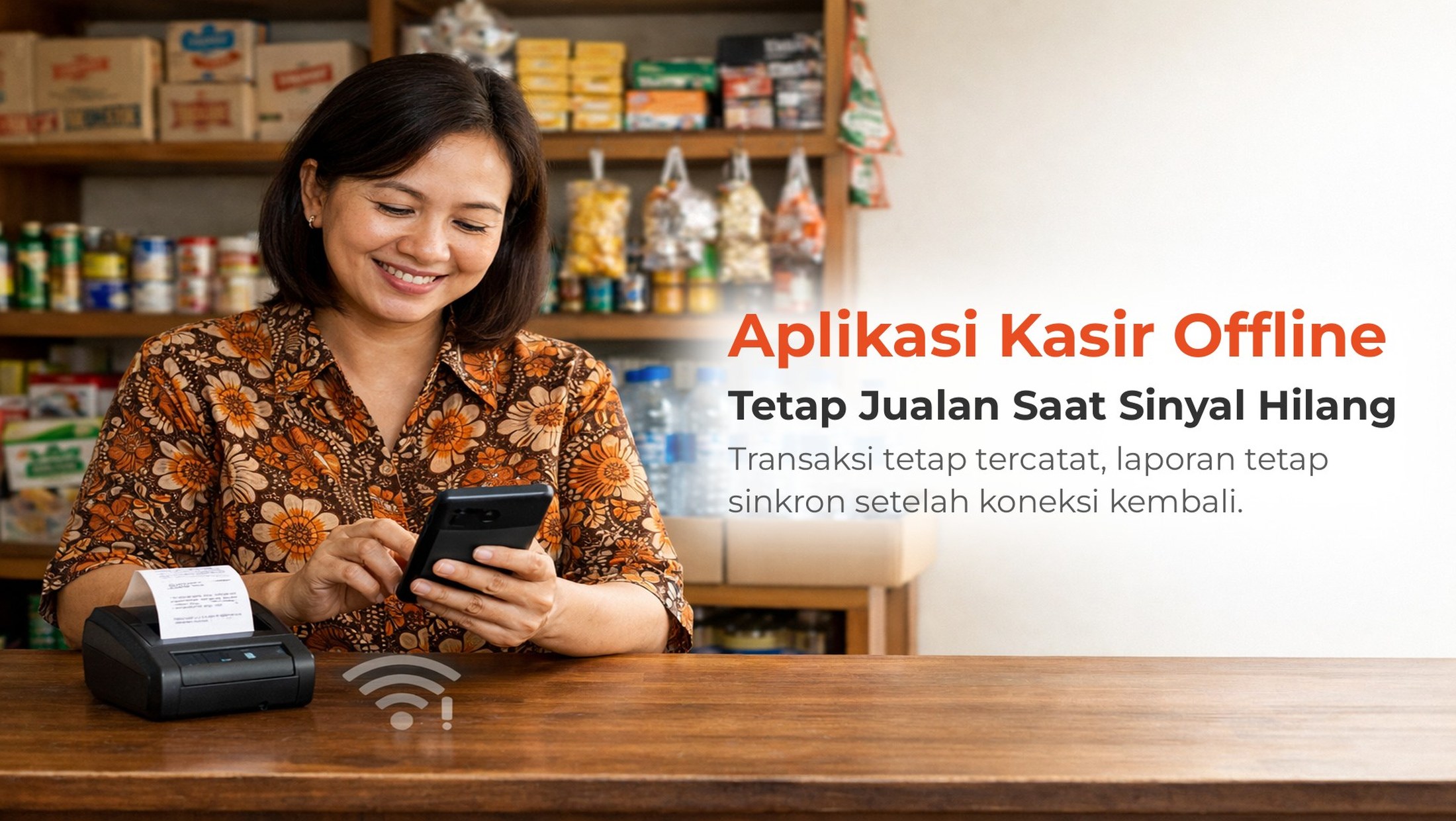
A POS App for offline sales in warungs and small shops is a register that keeps working when the internet signal disappears: products enter the cart, the total and change due are still calculated, receipts still print, and the transaction is saved until the network comes back. Qasir runs all of that on the device, and the cash recap still opens when the connection is unstable. Qasir Pro is Rp699,000 per 12 months, and the 7-day free trial has every feature on.
POS App Comparison Table for Offline Sales When the Signal Drops
| Need when the signal drops | How to test it during the trial | How Qasir handles it |
|---|---|---|
| Sales keep running | Turn off mobile data, then record one test transaction | Products still enter the cart, and the total and change due are calculated |
| A receipt for the customer | Ask for a receipt while the network is down | Receipts still print even while the shop is offline |
| Daily cash figures | Open the cash recap with no connection | The cash recap still opens even when the internet is unstable |
| A complete transaction history | Record several transactions, then switch the internet on | The full history becomes available after the internet sync |
| Trying features before you pay | Use the trial to rehearse a lost-signal scenario | All features stay active during the 7-day trial |
| Planning the cost | Work out what you need for 12 and 24 months | Qasir Pro Rp699,000 per 12 months, Rp1,179,000 per 24 months |
The table has three columns and one row for each thing that matters when the signal drops. Read the first column, pick the need that shows up most often in your shop, then test that need in the second column. A POS app earns its place only when it keeps the counter working.
As a Qasir Pro user, this app has proved very reliable for supporting business operations, because it brings advanced features such as detailed stock management, comprehensive business analysis reports, recipe management, and even automatic printing of orders to the kitchen. Feature access without limits and the offline option keep the daily transaction process running without obstacles, while the ability to recap data in real time makes it easy to evaluate store performance at any time.
warkop, Google Play review, 5-star rating, August 2026
Since I started using Qasir, running the business has become much easier. The stock management feature helps a lot when I need to track remaining goods in real time. The sales report is automatic and detailed, so I can see the daily net profit quickly. The connection to a Bluetooth printer also works smoothly without problems. Thank you, Qasir!
Fahry, Google Play review, 5-star rating, July 2026
Tip 1: Test the Offline Mode When the Signal Drops, Not Only When the Network Is Steady
Test It in Your Own Shop During Busy Hours
Most owners test a POS app while the network runs smoothly. The decisive moment is quite the reverse: customers still have to be served and the sales record must not stop. Qasir publishes a guide for recording a transaction while offline in its tutorial on recording a transaction.
Concrete steps:
- Use the 7-day free trial: switch off mobile data mid-transaction, then complete a full cash payment in the POS app.
- Test during busy hours with a queue of customers, to see how long the process runs without a connection.
- Check one at a time: the product enters the cart, the total and change are calculated, and the receipt prints.
- Write the result in a notebook, including what cannot be done offline yet, so a backup exists if something fails.
Tip 2: Prepare a Backup Plan So Sales Do Not Stop When the Signal Drops
Offline Mode Does Not Mean Risk Free
A transaction recorded while the signal is gone is still saved and moved into the system automatically after the device reconnects. Sales figures do not vanish because the network dropped, as long as the device gets opened again. Qasir describes this in its article on the integrated assistant for business and finance management. Any POS app still needs a device, a cashier and backup records around it.
Concrete steps:
- Keep one spare device with its charger at the counter, so the cashier can keep recording sales in the POS app when the main device fails.
- Keep receipt paper as a backup, because customers often want proof of purchase while the connection is unstable.
- Open the cash recap regularly to match the sales figures against the money in the drawer, and note any difference the same day.
- Copy the daily sales into a paper book as an extra archive, then compare it with the POS app report once the sync has finished.
Tip 3: Work Out the Subscription Cost with a Clear Period before You Decide
Count the Cost per Year, Not a Single Payment
Many owners compare a POS app only on features, which leaves the price hard to judge. Qasir gives a lower rate for a two-year term: Pro is Rp699,000 per 12 months or Rp1,179,000 per 24 months, while Pro Plus is Rp1,199,000 per 12 months or Rp1,699,000 for 24 months. The details sit on the Qasir Pro page and the pricing page, and the paid extras on the additional features page. Those prices exclude tax, and extra outlets are billed separately.
Concrete steps:
- Count the average number of transactions per month first, so the subscription feels sensible next to shop revenue.
- Compare the 12-month and 24-month periods, then choose the one that suits the business as it stands today.
- Use the 7-day free trial to test every feature you will rely on each day, including the offline mode.
- List the paid features you genuinely need, so you do not pay for extras that stay unused.
FAQ: Questions That Often Come Up About Offline POS Apps
Can a POS app be used without an internet connection?
Yes, as long as it supports an offline mode. On Qasir, transactions keep running when the signal drops: products enter the cart, the total and change due are still calculated, receipts still print, and the transaction is saved until the internet returns. The full history appears after the sync.
Do transactions disappear if the cashier phone breaks or the battery runs out?
Recorded data is stored and moves into the system automatically once the device is back online, so a network that cut out does not delete the record on its own. A broken or lost device still means unsynced records may be lost, which is why a daily manual note and a spare device are worth keeping.
Can sales reports still be read while the shop is offline?
The cash recap can still be opened while the shop is offline or the internet is unstable, so the cashier can still see the state of the cash for the day. For more detailed reports, such as a comparison of the products that sell best, the picture forms after the sync.
Can QRIS still be used when the signal drops?
QRIS runs over the mobile network, so a QRIS payment needs an internet connection for its verification step to go through. When the signal drops, recording the sale still works, but the customer is better off paying in cash or by another method that does not depend on the network. Keep cash ready, and tell the customer before you process a non-cash payment.
How much does a POS app with offline mode cost?
The cost follows the plan you pick. The Qasir Pro plan is Rp699,000 per 12 months or Rp1,179,000 for a 24-month term, while Pro Plus is Rp1,199,000 per 12 months and Rp1,699,000 for 24 months. Every feature, including recording sales while the signal is gone, stays active during the 7-day free trial. Prices exclude tax, and extra outlets are billed separately.
Business and Finance Tips for Warung and Shop Owners
Orderly management needs two things: an honest cash flow record and a subscription cost that makes sense. The BPS Economic Census 2026 has reached 86% of its enumeration target, with around 3.9 million micro and small business units recorded as of 7 August 2026. More than 4.35 million MSMEs also obtained formal financing through KUR for the first time in 2025-2026, and 4G already covers 98.96% of the population. Sources: the Ministry of MSMEs and ANTARA.
Review Cash Flow and Sales Records Regularly
- Separate business money from personal money, so the cash standing of the shop stays clear at closing time.
- Record operating costs such as rent, electricity and stock purchases, then compare them with sales every month. A practical way to begin is in the article on recording income and expenses.
- Use sales data to decide what to reorder, not only instinct. Reading it is explained in the article on which products sell best.
- Keep customer records so returning buyers are easy to recognise again, following why customer data matters.
Calculate the Subscription Cost per Period
A subscription should be weighed against the size of the sales, not picked because it looks cheap in the first month. The way a bulk price feature lifts sales volume is covered in the article on maximizing sales with the wholesale price feature, while working capital for restocking is discussed in the guide to KUR for MSMEs in 2026. Here is the summary of Qasir costs per period:
| Plan | Period | Cost | Note |
|---|---|---|---|
| Qasir Pro | per 12 months | Rp699,000 | Tax not included |
| Qasir Pro | per 24 months | Rp1,179,000 | Tax not included |
| Qasir Pro Plus | per 12 months | Rp1,199,000 | Tax not included |
| Qasir Pro Plus | per 24 months | Rp1,699,000 | Tax not included |
| Free trial | 7 days | Free | All features active |
| Enterprise | As needed | As needed | Adjusted to business size |
This comparison makes the monthly figure easier to read, and the period that fits the business today easier to choose. A POS app is worth its price when the report it produces supports a real decision.
Qasir Features for Warung and Shop Owners
Recording Transactions While the Signal Is Gone
Offline mode keeps products going into the cart, keeps calculating the total and the change due, keeps printing the receipt, and stores the transaction until the network comes back. Sales stay fully recorded even while the signal is missing.
Sending Digital Receipts to Customers
A receipt can be sent straight to the customer without printing a sheet for every transaction. You use less paper and the customer still leaves with proof of purchase.
Building the Daily Cash Recap
The cash recap can be opened while the shop is offline or the internet is unstable, and it comes with the transaction history after the sync. The cashier can still match the cash in hand against the daily sales record.
Tracking Stock History and Sales Reports
Stock history and sales reports are kept neatly per product, so items that start running low show up earlier. Read the sales pattern to set the reorder point instead of guessing.
Conclusion
Choosing a POS app for a warung or a small shop cannot stop at how the screen looks. The more important question is what occurs when the signal drops, and that is where the offline mode becomes the deciding factor. On Qasir, transactions keep running, receipts keep printing, the cash recap can still be opened, and the whole record waits until the network returns. All of that can be tried yourself during the 7-day free trial without committing on the first day.
To start, prepare a spare device, note the daily sales by hand as an archive, and test the POS app in the shop during busy hours while the signal is missing. After that, match the plan to the need: Qasir Pro is Rp699,000 per 12 months or Rp1,179,000 per 24 months, and Pro Plus is Rp1,199,000 per 12 months or Rp1,699,000 for 24 months. Prices exclude tax.
Manage Your Warung and Shop More Easily with Qasir Features
- Recording keeps running when the internet signal drops, with the receipt printed on the spot.
- Digital receipts go to the customer without adding a sheet of paper for every transaction.
- A daily cash recap that can still be opened when the connection is unstable.
- Stock history and sales reports per product, so reordering follows the record instead of a hunch.
- The same setup applied to another kind of business is covered in the article on the cashier app for food stalls.
- The opportunities and challenges of digitalising small businesses are explained in the 2026 case study on Indonesian small businesses.
If something about using a POS app in the shop still feels unclear, our Customer Happiness team is ready to help through the live chat feature inside the app. The guide to using the live chat feature and the live chat feature overview explain the quickest ways to reach them. You can also Download Qasir free on the Play Store and try the offline mode for 7 days.