
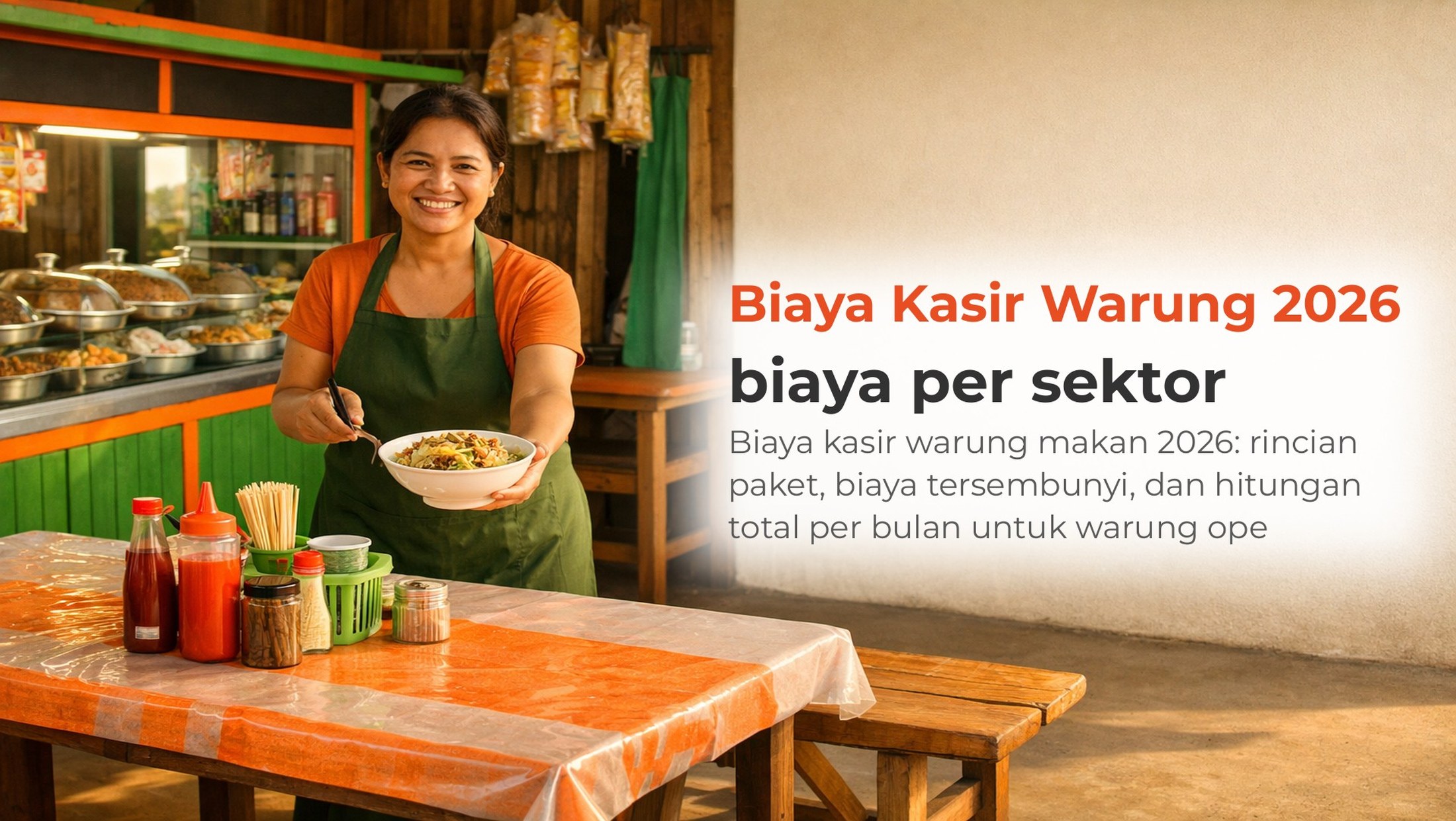
Choosing the right warung POS is a major decision for food stall and warung tenda owners wanting streamlined, measurable operations. Many still record manually with notebooks and calculators, but risks are high: wrong totals, stock not tracked real-time, revenue reports hard to read at monthly review. This article covers monthly costs, must-have features, and tips for picking a warung POS so your business runs efficiently and is ready to grow. Read the full guide to avoid choosing wrong.
What Is a warung POS and Why It Matters for Food Stalls and Warung Tenda
A warung POS is a digital transaction recording app designed specifically for small-scale businesses like food stalls, warung tenda, angkringan, and everyday eateries. Unlike manual POS using notebooks and calculators, a warung POS automatically logs every sale, updates ingredient stock in real-time, and generates daily reports without duplicate entry. For food stall and warung tenda owners busy serving customers from morning to night, this automation saves precious time and reduces human errors that often cause losses.
Imagine a roadside warung tenda packed at 7–9 PM. Without a warung POS, the owner manually jots every nasi goreng, mie ayam, iced tea order while rushing. Result: wrong totals, forgotten unpaid orders, spices running out unnoticed. With a warung POS, tap menu on phone — transaction logged, stock auto-deducted, revenue report ready evening. This efficiency separates growing from stagnant stalls.
Records transactions automatically when customers pay, no manual paper writing.
Ingredient and menu stock updates automatically every time an order leaves the kitchen.
Daily and monthly revenue reports ready to read without recalculating at month-end.
Supports QRIS and cashless payments so customers pay comfortably from any app.
To understand the food stall business solution at Qasir, visit Qasir's restaurant solutions page which provides features tailored for small to medium culinary businesses.
7 Features of a warung POS That Keep Your Business Tidy
Recording Orders Fast During Rush Hour
A digital POS feature enables order logging in seconds via phone or tablet, so queues don't build up during peak hours. Concrete step: open the app, pick the menu, add to cart, and hit pay — receipt prints instantly or sends digitally to customer WhatsApp. Every modern warung POS must have this speed so customers don't leave disappointed waiting.
Separating Food and Drink Prices
Separated product categories make it easy for cashiers to pick items without confusion, and per-category reports show what sells best. Concrete step: set up "Heavy Meals", "Snacks", and "Drinks" categories in the dashboard, then assign each product to the correct category. A warung POS supporting multi-category makes sales reports clear per segment.
Checking Kitchen Ingredient Stock Daily
Raw material stock like rice, vegetables, spices, oil, and eggs updates automatically every transaction, so restocking happens on time and you don't run out during rush. Concrete step: enable minimum stock alerts in settings, then check the dashboard every morning before opening. This warung POS stock feature prevents losses from ingredients running out mid-rush.
Recording Customer Tabs (Kasbon)
The kasbon feature logs regular customers' tabs with name, amount, and due date, reducing the risk of forgotten collections and future disputes. Concrete step: select the "Kasbon" menu during transaction, enter customer name and amount, then save — the system auto-reminds at due date. A warung POS with this feature keeps customer relationships good without losing money to unpaid tabs.
Accepting Cashless and QRIS Payments
QRIS integrates directly on the POS screen — customers just scan and pay, money lands in the registered account without the hassle of manually checking bank mutations. Concrete step: link your QRIS account in payment settings, then display a stationary QR code at the cashier counter. QRIS support in a warung POS speeds up transactions up to 3x compared to taking cash then hunting for change.
Reading Daily Revenue Reports per Stall
Daily reports show total sales, average per transaction, best-selling items, and payment breakdown per method with one click. Concrete step: open the "Reports" menu → select "Daily" → export to PDF or email for monthly archiving. A warung POS with automated reports eliminates the manual counting burden every night.
Recapping Expenses and Cash In
Cash in and cash out are recorded automatically, including ingredient purchases, electricity, water, staff wages, and rent — finances become transparent without separate notebooks. Concrete step: log every expense in the "Cash Out" menu with categories, then compare with cash in on the monthly report. This warung POS recap feature becomes the basis for data-driven business decisions, not gut feeling.
Table: Monthly Cost Comparison of a Manual Warung and a warung POS Setup
Many food stall owners hesitate to go digital fearing extra costs. This table breaks down monthly costs for apple-to-apple comparison. Figures below are Oct 2026 estimates for 1-outlet stall, 1–2 staff, daily revenue Rp2–5M.
| Aspect | Manual Warung | warung POS | Impact for Owner |
|---|---|---|---|
| Monthly POS subscription cost | Rp0 (only notebook & pen) | Included in 12/24-month package | Predictable fixed cost, no month-end surprises |
| Device cost (own phone/tablet) | Not needed | Use own phone or buy separately | Flexible, no mandatory expensive hardware |
| Additional outlet cost (if opening branch) | Separate notebook per branch, consolidation hassle | Monthly add-on per outlet | Manage multi-branch from one centralized dashboard |
| Payment method cost (QRIS/Bank transfer) | Manual bank check per transaction | Integrated, standard industry MDR | Real-time payment check, no manual mutation review |
| Owner time cost (manual calc, re-entry) | 2–3 hrs/day = ~60–90 hrs/month | < 30 min/day = ~15 hrs/month | Save 45–75 hrs/month to focus on cooking & strategy |
| Monthly total (estimate) | Rp0 system cost, but high time & error cost | Included in Qasir Pro package | Save time, accurate reports, data-driven decisions |
| Note: Package prices & outlet fees may change. Check latest at Qasir Pro pricing & Qasir add-on features. Review date: Oct 2026. | |||
From the table, a warung POS actually saves hidden costs: owner time, calculation errors, and stock-out risk. Subscription investment pays back from operational efficiency within the first 1–2 months.
3 Tips for Choosing a warung POS for Food Stalls and Warung Tenda
Ensure QRIS and Digital Payment Support
More customers pay via QRIS, GoPay, ShopeePay, Dana, bank transfer. Pick a warung POS with official QRIS integration & multi-e-wallet: transactions fast, payment logs auto-save without duplicate entry. Also check split payment (part cash, part QRIS) for group customers.
Check Stock and Kasbon Features Needed by Food Stalls
Food stalls need daily kitchen ingredient stock (rice, vegetables, spices, oil, eggs) & kasbon for regulars eating now, paying month-end. Ensure app has real-time stock with min alerts & logs customer debt with auto due-date reminders. A warung POS without these adds manual work tracking stock & receivables separately.
Compare 12-Month vs 24-Month Subscription Packages
A 24-month package is usually cheaper per month than renewing 12-month twice. Calculate total 2-year cost vs yearly renewal, then pick what fits your cash flow. Also note upgrade/downgrade policy and additional outlet fees if you later expand. Read package comparison details at Qasir Pro pricing page for current numbers.
Frequently Asked Questions (FAQ)
Can a warung POS work without internet?
Yes, Qasir supports offline mode — transactions stay logged on device, auto-sync to cloud when connection returns. Data safe during outages, customers pay cash or QRIS (QRIS needs internet for bank verification). Offline feature critical for warung tenda in weak-signal areas.
How long is the free trial for a warung POS?
Free trial lasts 7 days with full Pro access: stock, kasbon, reports, QRIS. After 7 days, 12 or 24-month subscription required. During trial, test all features in real conditions: rush hour, stock-outs, customer tabs, so you're confident it fits.
Is the additional outlet fee mandatory from the start?
The additional outlet fee only applies if you actually open a new branch and add it in the dashboard. One main outlet is already included in the subscription package at no extra cost. If you later expand to branch 2, 3, you then pay the per-outlet fee per your chosen package terms.
How to renew a warung POS subscription?
Renewal is done via the app or web dashboard with bank transfer, QRIS, or credit card. Qasir CS helps via live chat so renewal doesn't get stuck mid-month. Set auto-renewal for hassle-free, or manual if you want full control.
Can sales data be exported to Excel?
Yes, daily, weekly, and monthly reports export to PDF or Excel (CSV) for accounting, tax, and deeper business analysis. Export format is clean with columns: date, product, category, qty, price, total, payment method. Read the export guide at bantuan.qasir.id.
Business and Finance Tips for Food Stalls and Warung Tenda
Separate business and personal money: use a separate account so cash flow is clear and tax calculation is easy. Mixing them causes confusion at year-end financial reporting.
Calculate COGS (Cost of Goods Sold) per portion: know the ingredient cost per menu so profit margins hold when ingredient prices rise. Update COGS monthly or when ingredient prices change significantly.
Set aside emergency funds minimum 10% of monthly revenue: for sudden ingredient purchases or equipment repairs without disrupting daily operations.
Evaluate the menu monthly: drop loss-making or thin-margin items, add variants that sell well with high margins. Use warung POS sales data for this decision, not gut feeling.
Leverage sales data for promos: identify best-sellers and bundle with good margins, e.g., nasi goreng + iced tea special price 5–7 PM.
Qasir Features for Food Stall Business
Below are four core warung POS Qasir features with the biggest impact for daily food stalls and warung tenda.
Digital POS for Fast Transactions
The digital POS transaction feature processes cash, QRIS, and transfers on one screen. Benefit: queues drop drastically, calculation errors vanish, and receipts print or send digitally automatically. Multi-payment support keeps customers comfortable, cashiers calm.
Real-Time Kitchen Ingredient Stock Management
The ingredient management feature tracks rice, vegetables, spices, oil, eggs usage per portion sold. Benefit: timely restock, avoid stock-outs during rush, and accurate COGS without manual logging. Minimum stock alerts send to owner's phone every morning.
Automated Daily and Monthly Cash Recaps
The cash recap feature logs all cash in (cash + cashless sales) and cash out (ingredient purchases, electricity, water, wages, rent) without manual entry. Benefit: financial reports ready for accountants, tax, and monthly business reviews. Filter by date, category, outlet.
Integrated QRIS with One QR Code
The QRIS feature uses one QR code for all payment methods (GoPay, ShopeePay, Dana, OVO, LinkAja, banks). Benefit: customers pay fast from any app, owner checks incoming real-time on dashboard without checking bank mutations one by one. MDR fees follow Bank Indonesia regulations.
Simple, easy to use, easy to understand, a POS app that helps tremendously in running a business
- Abdillah, Google Play Review, 5 stars, August 2026
The testimonial above is from a real user experiencing the benefits of a warung POS Qasir for their small business. Thousands of similar food stalls have switched to digital and felt the efficiency.
Also read the full guide cashier app for food stalls must-have features and don't use feeling, come on start recording income and expenses for more finance tips.
Conclusion
Managing food stalls and warung tenda becomes far more efficient with a warung POS Qasir that replaces manual notebooks and calculators. Predictable monthly costs in 12 or 24-month subscription packages, complete features from order logging to automated financial reports, and integrated QRIS support make daily operations faster, accurate, and free from manual counting stress.
Owners no longer waste evenings manually counting, checking kitchen repeatedly, or forgetting who owes money. Investing in this digital warung POS gives back time for food taste, service, and growth strategy — not buried in paper receipts. Start 7-day free trial risk-free.
Owners who switched report revenue up 15–30% in 3 months from efficiency and data accuracy. Don't wait for big losses to go digital — start now.
Manage Food Stalls Easier with Qasir Features
Digital POS: fast transactions, auto receipts, QRIS multi-e-wallet support.
Sales reports: daily revenue, best-sellers, monthly trends, Excel export.
Stock management: real-time updates, auto minimum stock alerts to phone.
Cash In/Out + Cash Recap: automated bookkeeping ready for tax filing.
Customer kasbon: log debts, due-date alerts, paid/unpaid history.
Business website: accept online orders via own link, GoFood/GrabFood integration.
Download Qasir free at Play Store and manage your food stall easier today with this warung POS. Also read guides at bantuan.qasir.id to get started.
Further reading: Medan culinary SME sales tips, busy store but which product sells most check sales data, maximize sales with wholesale price feature, Surabaya coffee shop SME sales tips.