
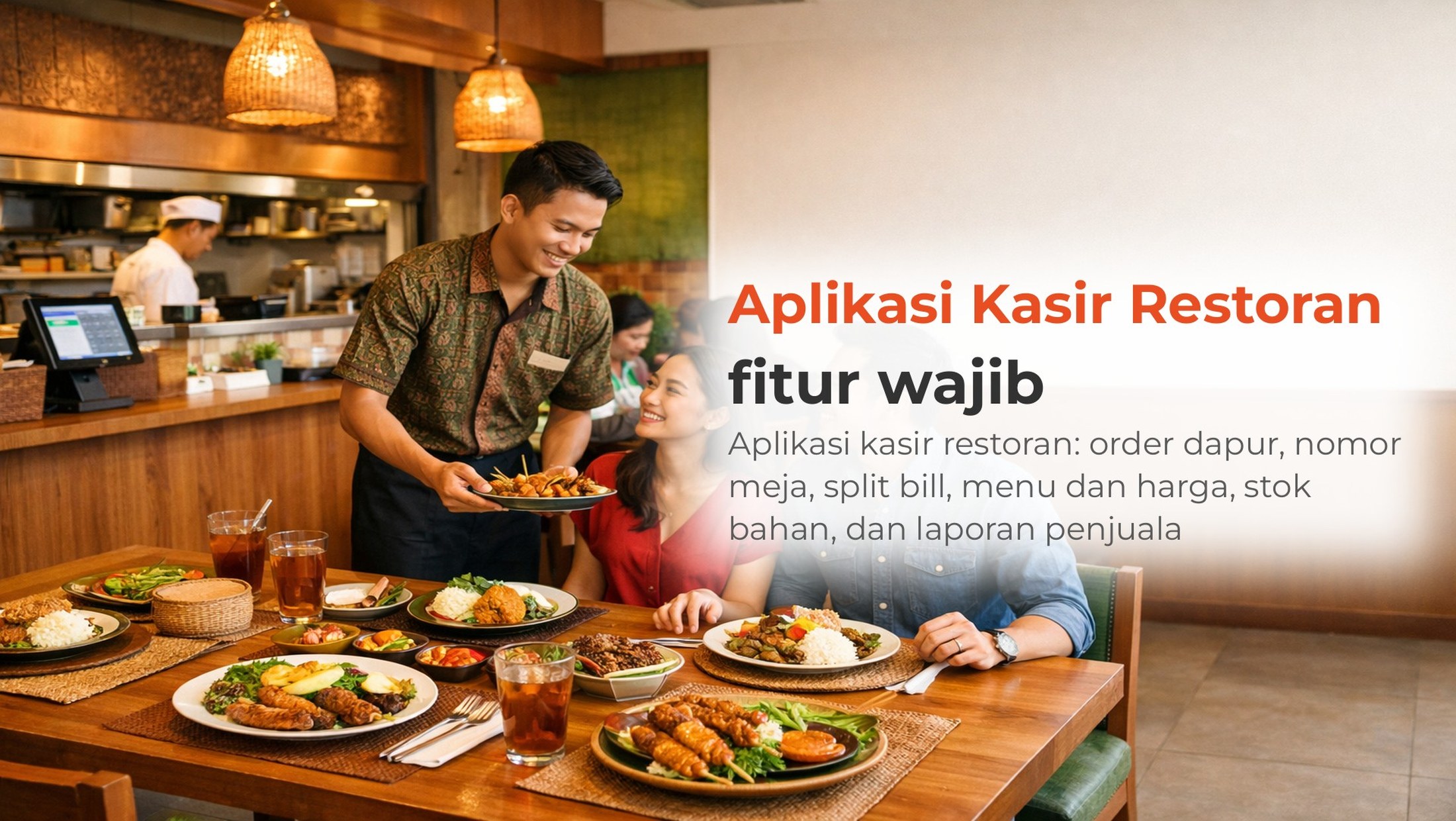
Managing a restaurant POS is not just about recording transactions—it coordinates the entire order flow from table to kitchen through shift reports so operations run smoothly. Restaurant owners often struggle during rush hours: orders get mixed up, stock runs out unexpectedly, or bills are hard to split. An integrated restaurant POS solves this with automated kitchen orders, real-time table management, and instant split bill. Every modern restaurant POS must have these seven features so restaurants and eateries operate more efficiently.
What Is restaurant POS and Why It Matters for Restaurants
Restaurant POS is a transaction system designed specifically for F&B needs: recording orders per table, sending them to the kitchen, splitting bills, and monitoring raw ingredient stock in real time. Unlike a standard retail POS, a restaurant POS for dining venues must handle the complex "order → kitchen → serve → pay" workflow. Read also Qasir restaurant business solutions for the full picture.
Reduces order errors because orders go straight to kitchen screens or print tickets automatically.
Speeds up table turnover with real-time table status (empty, occupied, needs cleaning).
Splits bills accurately per person or per item without manual calculation.
Generates per-shift reports so owners know daily revenue without waiting for nightly reconciliation.
7 restaurant POS Features That Streamline Operations
1. Sending Orders Directly to Kitchen
This feature sends customer orders from the table or restaurant POS straight to kitchen screens or ticket printers restaurant POS, so cooks do not need to decipher handwritten notes that often smudge. How to use: enable "Print Order Tickets" in additional features settings, select the kitchen printer, and set which product categories get sent (food/drinks). Details at Qasir additional features.
2. Managing Table Numbers and Status
A visual table map displays numbers, status (empty/occupied/ordered), and customer dwell duration. How to use: create a table layout in "Table Settings", assign numbers and capacity, then use "Open Table" when guests arrive and "Close Table" after payment. See a restaurant POS implementation example at cashier app for food stalls.
3. Splitting Bills with Split Bill
Split bill divides one large check into multiple parts per person, per item, or by percentage automatically. How to use: on the restaurant POS payment screen select "Split Bill", choose the split method (equal/item-based), then print separate receipts for each payer. This helps greatly during group gatherings at eateries.
4. Managing Menu and Prices by Category
Menus are grouped: main courses, drinks, appetizers, combo deals—each with price, photo, and stock availability. How to use: go to "Manage Products" in your restaurant POS, create categories, add items with prices and modifiers (spice level, size), then enable "Show in POS". Learn pricing strategy at maximize sales with wholesale price feature.
5. Tracking Ingredient Stock and Kitchen Needs
The ingredient stock (raw materials) feature deducts automatically when items sell based on preset recipes on your restaurant POS. How to use: create recipes in "Manage Raw Materials" on your restaurant POS, enter composition per portion (e.g., rice 150g, chicken 100g), then enable "Auto-Deduct Stock" so stock drops in real time per transaction. Avoid mid-service stockouts with the guide at Yogyakarta jamu MSMEs.
6. Reading Sales Reports per Shift
Shift reports show revenue, transaction count, payment methods, and top-selling products per open/close POS period. How to use: open "Sales Reports" in your restaurant POS, select "Per Shift" filter, set the time range, and export Excel for deeper analysis. Calculate daily profit with reference at busy store but which product sells most.
7. Printing Receipts and Monitoring Non-Cash Payments
Receipts print automatically via Bluetooth/USB printers, and QRIS, card, e-wallet payments are recorded separately in the cash report. How to use: connect the printer in "restaurant POS Printer Settings", enable "Auto Print Receipt", and check "Non-Cash Payment Report" in the dashboard for daily reconciliation. Customer data aids retention—read importance of customer data for MSMEs.
Table: 7 POS Features and Benefits for Restaurants
| No | Feature | Function | Benefit for Restaurants and Eateries | How to Use |
|---|---|---|---|---|
| 1 | Orders to Kitchen | Send orders automatically to kitchen screen/printer | Eliminate order errors, speed up serving | Enable Print Order Tickets → select kitchen printer → set categories |
| 2 | Table Numbers & Status | Visual table map with real-time status | Manage table turnover, know which tables need cleaning | Create table layout → assign numbers/capacity → use Open/Close Table |
| 3 | Split Bill | Split check per person/item/percentage | Avoid manual math, print separate receipts per payer | On payment screen → Split Bill → choose method → print each receipt |
| 4 | Menu & Prices by Category | Manage grouped menu with prices & modifiers | Organized, easy item search, consistent prices across outlets | Manage Products → create categories → add items + modifiers → enable show |
| 5 | Ingredient Stock | Auto-deduct stock based on recipes | Prevent sudden stockouts, plan purchasing efficiently | Manage Raw Materials → create recipe per portion → enable auto-deduct |
| 6 | Reports per Shift | Revenue, transactions, payment methods, top products per shift | Monitor daily performance, compare evening vs lunch shifts | Sales Reports → filter Per Shift → select range → export Excel |
| 7 | Receipts & Non-Cash | Auto-print receipts + record QRIS/card/e-wallet separately | Fast reconciliation, complete transaction proof for customers | Printer Settings → auto-print → check Non-Cash Payment Report |
3 Tips Memilih restaurant pos untuk Aplikasi Kasir Restoran
Ensure Kitchen Order Flow Support
Choose a restaurant POS with kitchen ticket printing per category (food to kitchen, drinks to bar) so workflow does not jam during peak hours. Test during the 7-day trial with a full scenario: simulate 20 tables ordering simultaneously, check if kitchen and bar tickets print separately without mixing. Compare plans at Qasir Pro pricing and ensure this feature is included in your chosen restaurant POS package for your restaurant POS.
Check Table Management and Native Split Bill
Do not use a retail POS that relies on "manual notes" for tables. Visual table management and native split bill save cashiers up to 15 minutes per large table. Verify your restaurant POS supports flexible layouts (indoor/outdoor), real-time status, and split bill per item or percentage without recalculating. See a restaurant POS implementation example at Medan culinary MSMEs already using this feature.
Prioritize Shift Reports and Ingredient Stock
Restaurants need daily data, not weekly. Ensure your restaurant POS has per-shift reports (open/close cashier) and recipe-based ingredient stock so purchasing becomes planned. Automated shift reports emailed to owners eliminate asking cashiers for recaps late at night. Check daily sales data from your restaurant POS at busy store but which product sells most.
FAQ: Frequently Asked Questions
Can restaurant POS Qasir be used across multiple outlets at once?
Yes. The Outlet Management feature lets one account manage multiple branches with data separated per outlet. Staff access can also be limited per branch. Learn multi-outlet restaurant POS management at Qasir outlet management for shop owners.
How does split bill work if customers pay mixed cash and QRIS?
On the restaurant POS payment screen select Split Bill, set amounts per method (e.g., 2 people pay cash, 1 pays QRIS), and the system records each method separately in the cash report. Reconciliation becomes easy without manual notes.
Does ingredient stock auto-restore when a transaction is cancelled?
Yes. When a transaction is voided, ingredient stock is restored automatically per the recipe used, as long as cancellation happens before the receipt is reprinted. This keeps real-time stock accuracy in your restaurant POS.
Can per-shift reports be auto-emailed to the owner?
Yes. In Advanced Sales Report settings on your restaurant POS, enable auto-send via email on a daily/weekly schedule to designated addresses. Owners check performance without opening the app.
Does the table number feature support non-fixed layouts (outdoor/indoor)?
Yes. Table layouts can be edited anytime: add/remove tables, change numbers, or move zones (indoor/outdoor) to match venue conditions. Flexible for restaurants opening extra weekend areas.
Business and Finance Tips for Restaurants
Calculate COGS per portion weekly—ingredient price fluctuations silently raise costs.
Reserve emergency funds of at least 3× monthly operating costs to handle seasonal lows.
Evaluate best-sellers vs margin: drop low-margin items consuming kitchen capacity.
Use restaurant POS customer data for birthday promos or loyalty discounts, not random blasts.
As a Qasir Pro user, this application has proven highly reliable for supporting business operations by providing advanced features such as detailed stock management, comprehensive business analytics, recipe management, and automatic order printing to the kitchen. Unlimited feature access and offline mode keep daily transactions running without interruption, while real-time data recapitulation makes performance evaluation easy anytime.
- Nur, Google Play Review, 5 stars, September 2026
Qasir Features for Restaurant Business
Digital POS for Fast Transaction Recording
The responsive touch restaurant POS interface offers quick product search, flexible modifiers, and multi-method payment in one screen. Benefit: cashiers serve faster during rush hours, queues shrink. Full guide at guide at bantuan.qasir.id.
Automated Sales Reports per Shift
Daily reports email owners automatically at cashier close, containing revenue, top products, and payment methods. Benefit: owners know performance without asking cashiers for late-night recaps. This feature is part of Qasir additional features.
Recipe-Based Ingredient Stock Management
Ingredient stock drops automatically when items sell based on recipe composition per portion. Benefit: purchasing becomes planned, prevent mid-service stockouts. Case study at Yogyakarta jamu MSMEs.
Print Order Tickets to Kitchen by Category
Food orders print to kitchen printer, drinks to bar printer, each with table number and special notes. Benefit: cooks and baristas work in parallel on your restaurant POS, orders don't mix. Details at Qasir live chat feature for setup help.
Integrated Staff Management and Attendance
The restaurant POS staff management feature lets you set shifts, mobile attendance, and role-based access (cashier/manager/owner). Benefit: automated payroll, controlled sensitive access, data-driven performance evaluation.
Offline Mode with Auto-Sync
Restaurant POS transactions keep running when internet drops—data stores locally and syncs automatically when connection restores. Benefit: zero downtime in weak-signal locations, no lost orders.
Multi-Outlet with Consolidated Reports
One dashboard monitors all branches: revenue, stock, staff, and per-outlet performance. Benefit: data-driven expansion decisions, standardized operations across the chain.
Conclusion
Choosing the right restaurant POS determines daily operational smoothness for restaurants and eateries. The seven features above—kitchen orders, table management, split bill, categorized menus, ingredient stock, shift reports, and non-cash receipts—are the minimum foundation so culinary businesses run efficiently without order mix-ups, idle tables, or sudden stockouts. Qasir provides all these features in one restaurant POS application—the best restaurant POS—proven by thousands of F&B merchants in Indonesia.
With a 7-day free trial, you can test the kitchen order flow, large-group split bill, and per-shift reports before subscribing. 12-month and 24-month packages include full features—details at Qasir Pro pricing. Need extra capital? Check Qapital funding in Qasir.
Manage Restaurants Easily with Qasir Features
Digital POS: Fast touch transactions, flexible modifiers, multi-method payment.
Orders to Kitchen: Auto-print tickets per category, eliminate order errors.
Table Management: Visual map with real-time status, efficient table turnover.
Split Bill: Split checks per person/item/percentage, print separate receipts.
Ingredient Stock: Auto-deduct by recipe, prevent stockouts.
Shift Reports: Daily revenue auto-emailed, evaluate shift performance.
Download the Qasir app free on Play Store and experience easier restaurant management starting today. Need help? The Customer Happiness team is ready via guide at bantuan.qasir.id or Live Chat in the app.