
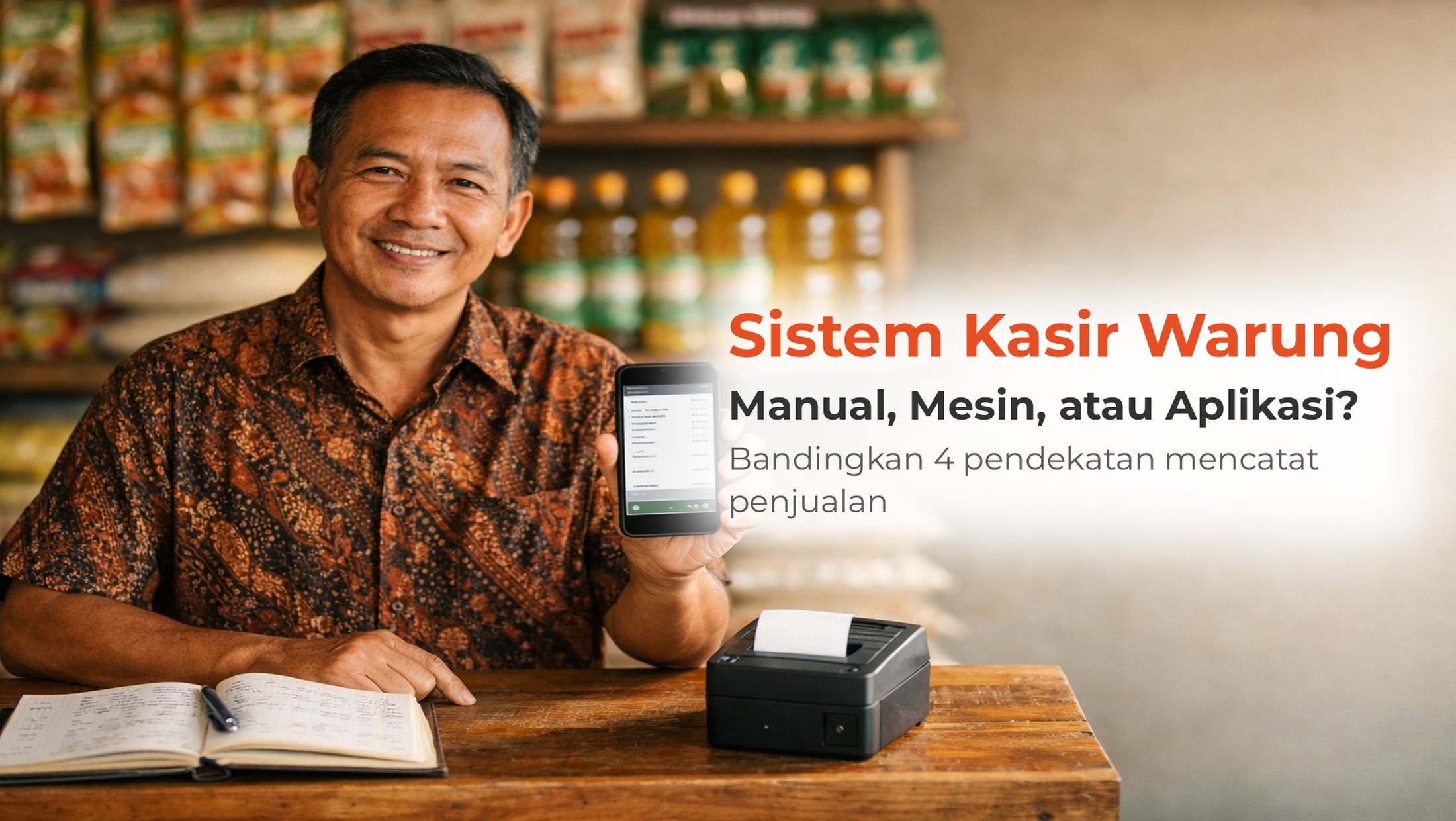
Indonesia's economy runs on very small shops. The government's Single Database for MSMEs recorded 30.20 million non-agricultural business units as of 31 December 2025, and 99.71% of them, or 30.11 million units, are micro businesses run by 28.98 million entrepreneurs that contribute 60.5% of national GDP. And yet the APJII internet survey 2026, run from 1 February to 15 March 2026 with 8,700 respondents in 38 provinces, found that 88.8% of business owners say their business does not depend on the internet, up from 76.7% in 2025. The same survey shows 32.7% now use the internet to talk to customers, while BPS data shows only about 25 million of 50 million business owners have joined a digital platform.
A cash register system for a warung is any setup that records every sale, shows the customer what to pay, and shows the owner what sold during the day. Four approaches exist: a manual notebook, a dedicated machine, a POS program on a desktop PC, and a POS app on Android. Qasir Pro costs Rp699,000 per 12 months and starts with a 7-day free trial, so a small shop can test it before spending anything.
Cash Register System vs Manual Records: Which One Fits Your Warung?
| Approach | Upfront Cost | What Gets Recorded | Best For |
|---|---|---|---|
| Manual notebook | None, paper and a pen | Nothing, every line written by hand | Stalls with few customers |
| Dedicated cash register machine | One hardware purchase | Prices, totals, printed receipts | Shops with a fixed counter |
| POS on a desktop PC | A computer plus software | Products, stock, customer records, reports | Owners who want a database |
| POS app on Android | An Android phone plus a subscription | Sales, stock, receipts, daily reports | Warungs starting without hardware |
| Notebook first, app later | Gradual, one step at a time | Paper first, then digital records | Owners who need order first |
How to Read This Comparison Table
Read the table from the last column backwards. Start with your customer flow, then check the third column to see which parts of the job a tool should take over, and only then compare the second column, because the option that looks cheapest on paper is rarely the cheapest over a year of daily use.
Two owners describe the change in their own words.
Semua jadi lebih mudah. Gampang pula pake nya. Gak ribet dan super lengkap. Rekomended banget sih buat UMKM.
Setia, Review Google Play, rating 5 stars, August 2026
Sejauh ini puas menggunakan Qasir. Aplikasinya praktis, tampilannya mudah dipahami, dan sangat membantu dalam mencatat penjualan serta memantau transaksi. Semoga ke depannya semakin banyak fitur menarik.
Irul, Review Google Play, rating 5 stars, November 2026
Tip 1: Start With the Smallest Setup You Can Keep Consistent
The most common mistake is choosing a setup that looks impressive on paper but breaks during the busiest hour of the week, and the opposite mistake is buying hardware before the owner records anything at all. A notebook has no crash, no battery, and no recurring cost, and for a stall serving a few dozen customers a day it is still defensible, so start there and move up only once you need item-level records.
Concrete steps:- List your ten best-selling products and their selling prices.
- Decide whether you need a daily total or a record per product.
- Run one full day on paper, including the slowest hour.
- Move to a digital setup only after the paper routine feels natural.
When a Notebook Is Genuinely Enough
A manual notebook remains reasonable for a single product line and an owner who writes numbers comfortably every night. The moment you sell several categories, offer discounts, or serve more than a few dozen customers, handwriting becomes the bottleneck. For a wider picture, read the 7 verified POS app options for warungs.
Tip 2: Make the Counter Setup Survive a Day Without Internet
Internet access in Indonesia now reaches 81.7% of the population, covering 235,261,078 people out of a total population of 287,303,234, yet coverage does not guarantee a stable connection in the afternoon. Access is uneven for other reasons too: 34% of business owners who are not online say they have no device, 31.5% say they do not know how to use one, and 17.2% say the data quota is too expensive.
Concrete steps:- Test both the online and the offline path before the morning rush.
- Keep a spare receipt roll and a notebook within reach of the counter.
- Reconcile the day's sales against the money in the drawer.
- Open the transaction history once a day before you close.
Why Offline Transactions Matter, Not a Luxury
This problem already has a simple solution: a register app with offline support keeps working when the network disappears, prints the receipt as usual, and stores the data on the device until it syncs, so nothing is lost and nothing has to be retyped. The practical guide to offline POS sales walks through the routine.
Tip 3: Use the Records You Already Have to Fix Stock and Prices
Recording sales is only the first half of the job, and the second half is acting on what the records show. Owners often ask for the cheapest way to manage stock, but the cheapest option is the one actually used every day. Three questions are worth answering weekly: which items turned over fastest, which sat still for weeks, and whether customers who buy the slow items also ask for a discount. That is where a POS system starts to pay for itself, because the data is already there.
Concrete steps:- Review the sales report every week, on the same day, for ten minutes.
- Move slow items to a better visible shelf position.
- Set a wholesale price for items bought in bulk and sold to regulars.
- Adjust stock counts after every delivery so the numbers stay usable.
Turning Daily Records Into Decisions
None of this requires a spreadsheet or an accountant, only a clean product list, an accurate stock count, and a report you open once a week. For a practical example, see how the wholesale price feature in Qasir protects margins on fast-moving items.
FAQ: Questions That Come Up Most About POS Setups
What is a cash register system, and how is it different from a cashier app?
A cash register system is the whole setup behind the counter: the hardware or paper you use, the way a sale is recorded, and the report you get at the end of the day. A cashier app is one part of it, the software on the phone that records the sale. Either way, a POS system serves the same purpose, to count every sale exactly once.
Does a small warung need a cash register system, or is a notebook enough?
For a stall with one product line and a few dozen customers, a notebook filled in every night is enough, and no rule says otherwise. It stops being enough once you sell several categories, run promotions, or need to know which product actually moved. Since 88.8% of business owners still say their business does not depend on the internet, a POS system that works offline with no hardware is the most realistic start.
How much does a cash register system cost per month for a micro business?
It depends on the approach: a notebook costs nothing, a dedicated machine costs a one-time purchase, and a subscription product is billed per year. Qasir Pro is Rp699,000 per 12 months and Qasir Pro Plus is Rp1,199,000 per 12 months, before tax. Every plan opens with a 7-day free trial, so the recurring cost can be weighed against the value of the records.
Manual notes, a cash register machine, or a phone app, which one is more economical?
Manual notes are cheapest on day one and the most expensive later, when the owner has to reconstruct a month of sales by reading handwriting. A dedicated machine is a one-time investment with no recurring fee. A phone app costs a modest annual fee and gives item-level records, stock counts, and reports a machine cannot produce. To compare in detail, check the pricing page.
Can a cash register system be used without an internet connection?
Yes, as long as the tool was built for it. An app with offline mode records the sale on the device, prints the receipt, and syncs the data when the connection returns, so the counter keeps moving and nothing is typed twice. That is the standard worth looking for: a solution that needs a permanent connection stops being usable exactly when a warung still needs to trade.
Business and Finance Tips for Warung and Toko
Choosing the right counter setup only pays off if the money side of the business is handled as carefully as the sales side. Four habits keep a small shop financially healthy, and none needs special tools beyond the records you already keep.
Four Habits That Protect Your Margin
- Separate the owner's money from the shop's money, and reconcile the drawer every evening.
- Keep a short list of daily essentials and reorder before the shelf looks empty.
- Use one price list for everyone and one written rule for regular customers.
- Record every money movement, including what you paid for stock, so the month-end balance is never a surprise.
Money movement is where most small shops lose track, and it is the easiest part to fix once written down. The guide to managing money in and money out of your business shows a simple daily recap routine, and a POS system with a daily recap report makes it much faster.
Qasir Features for Warung and Toko
Qasir is built for warung and toko owners who want one cash register app that runs on a phone they already own, keeps working during a signal loss, and still produces a clean report at closing.
Transactions That Keep Running Without a Connection
Every sale can be recorded and receipted even when the network is unavailable, and the stored data syncs automatically once the device is online again, so the counter never stops.
Cash Recap and Sales Reports Delivered by Email
The daily recap of money in and money out is available in the app, and the sales reports plus extended reports can be sent to your email, so you can check the day's numbers from anywhere.
Stock Management, Decimal Units, and Wholesale Prices
Products, stock adjustments, decimal unit stock, wholesale prices, and ingredient recipes with their cost basis sit in one place, so you know what is available, what it costs, and what to reorder.
Multiple Outlets, Employee Roles, and Loyalty Points
Outlets are managed in one place, access rights are set for supervisors, operators, and non-operators, and barcode scanning works with the phone camera. Loyalty points and membership discounts bring regular customers back. See the full list of additional Qasir features.
Conclusion
A cash register system for a warung does not have to be expensive or complicated. The comparison above shows that the real difference between a notebook, a dedicated machine, and a POS app is not the price but the records you end up with, and the decisions you can make.
For owners who want item-level records, stock control, offline transactions, and reports that arrive by email, Qasir Pro at Rp699,000 per 12 months is a practical starting point, and Qasir Pro Plus is Rp1,199,000 per 12 months. Both plans open with a 7-day free trial with every feature active, so nothing has to be paid before you test the routine.
| Package | Per 12 Months | Per 24 Months |
|---|---|---|
| Qasir Pro | Rp699,000 | Rp1,179,000 |
| Qasir Pro Plus | Rp1,199,000 | Rp1,699,000 |
Both prices are quoted per 12 months and per 24 months and do not include tax. Additional outlets are charged as an extra cost, so a single-location shop pays only the package price.
Manage Your Warung and Toko More Easily with Qasir Features
- A POS program that runs on an Android phone, so no new hardware is required.
- Offline transactions with receipts printed on the spot, and data synced when the signal returns.
- Sales reports, a daily recap, and extended reports delivered to your email.
- Stock management with adjustments, decimal units, wholesale prices, and ingredient recipes.
- Loyalty points and membership discounts for customers who come back regularly.
The live chat support in the Qasir app lets you talk to the team while you set everything up. Visit Qasir to read the full details, then Download Qasir for free on the Play Store and use the 7-day free trial on a busy day.