
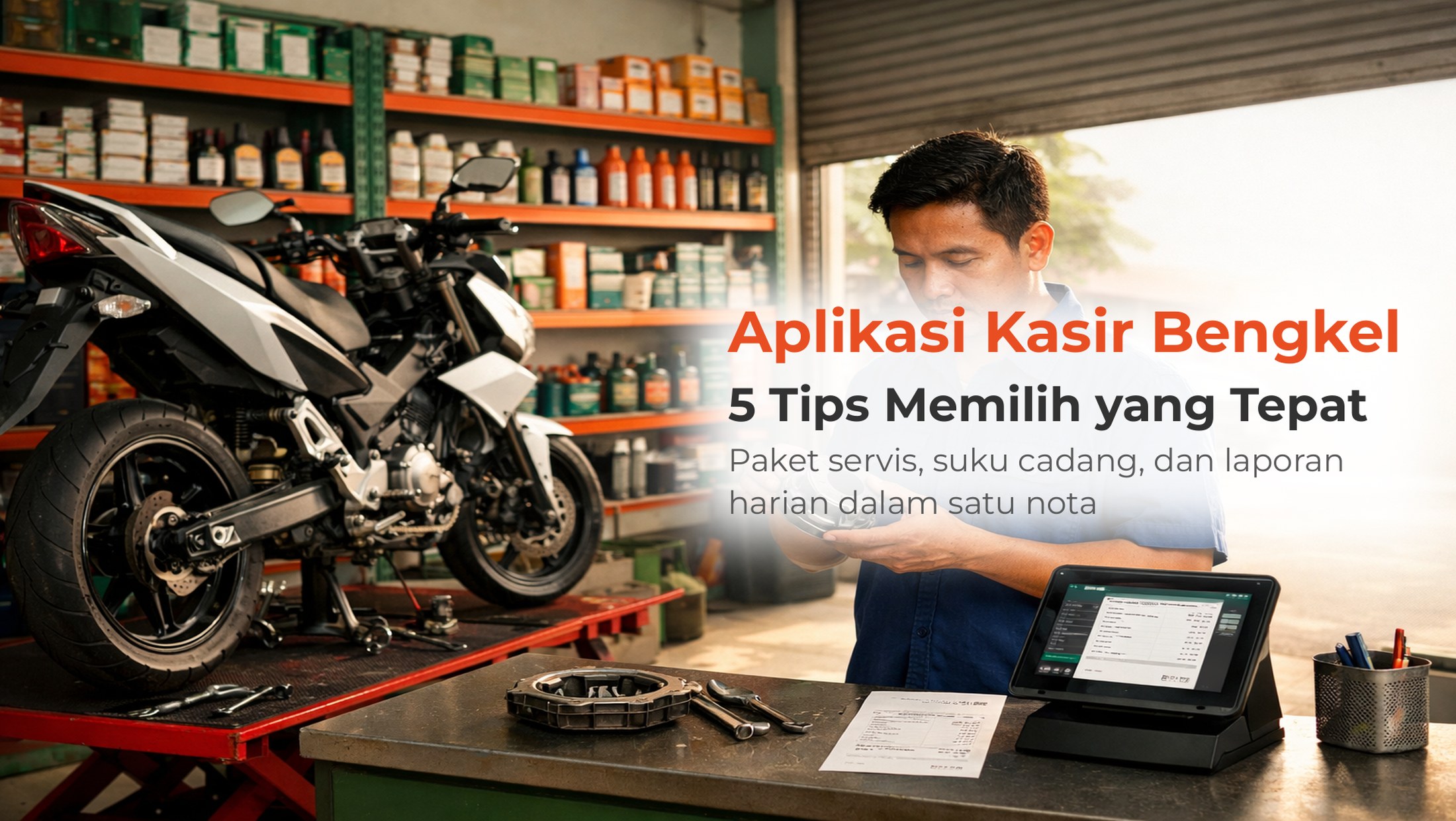
Indonesia has around 400,000 automotive workshop businesses, and 95 percent of them are small and medium enterprises, according to PBOIN, the Indonesian Automotive Workshop Association, as reported by iNews.id. The Ministry of Cooperatives and Small and Medium Enterprises counted more than 64.2 million MSMEs in 2024, around 99.99 percent of all business units in the country, while PBOIN chairman Hermas Prabowo put the number of workshops in Jabodetabek at 30,000 to 40,000, as Kompas reported.
A POS app for auto repair shops solves a problem every owner already feels: spare parts that leave the shelf are not always written down, estimates are given verbally, mechanic commissions are calculated by hand at month end, and the margin between labour and parts stays unclear. When each of those lives in a separate notebook, a busy month cannot be told apart from a profitable one.
A POS app for auto repair shops is a register system that records service labour and spare parts on one receipt, gives every vehicle a queue number, keeps spare part stock with estimates and down payments, and sends a daily sales report. Qasir Pro is priced at Rp699,000 per 12 months and Qasir Pro Plus at Rp1,199,000 per 12 months, both before tax, with a 7-day free trial that ends in a subscription.
None of this needs a large system. Test one POS app against your own routine for a week: one service package, one estimate with a down payment, one stock movement, and one report at closing time.
POS App Comparison for Auto Repair Shops and How to Test Them
The prices below were verified from each official page on 23 November 2026, so check them again before you subscribe, because each vendor can change its own rates. A wider price overview is in our guide to checking which products sell most from sales data, and the guide to POS apps for small businesses in 2026 lists what each option is worth testing during a trial.
| Option | Verified Price | Subscription Model | Focus for Auto Repair Shops |
|---|---|---|---|
| Qasir | Rp699,000 per 12 months (Pro), Rp1,199,000 per 12 months (Pro Plus), tax not included | Annual subscription, 7-day free trial | Digital cashier with QRIS, service package modifiers, queue numbers, stock control, daily reports by email, multi outlet, staff permissions |
| Kasmini Bengkel | Rp219,000 (one-time payment) | One-time payment | Service and spare part work, spare part stock, customer and mechanic data, digital receipts, works without an internet connection, Excel export |
| Kasir Pintar | Free (up to 1,000 item records and 1 user), Pro Rp666,000 per 1 year (VAT included) | Free tier and annual Pro plan, 30-day trial | Separates spare part and service categories, vehicle service history, service invoices, payment method recap, package bundling |
| Kledo | Free (Rp0), Pro Rp159,900 per month (billed yearly, VAT not included) | Free tier and Pro plan, 45-minute demo | Stock and inventory records, complete financial reports, multi outlet in the higher plan |
| Kasgo Bengkel | Rp0 per month (no monthly fee) | No monthly fee | Work orders, service history per number plate, mechanic commission per job |
| Other alternatives | Not verified in this comparison | Monthly subscription per outlet | General cashier features without a dedicated auto repair module |
Two Qasir users describe how the register works in their daily business:
So far I am happy using Qasir. It is practical, the display is easy to understand, and it really helps record sales and monitor transactions. I hope it gets more interesting features going forward.
Irul, Google Play review, 5-star rating, November 2026
simple and easy to use even for someone who is not tech-savvy at all. The support from Hani is responsive, not arrogant, always willing to learn and very kind
nugrah, Google Play review, 5-star rating, November 2026
Use the table as a starting point, not a verdict. Pick three to five rows that match your situation, then read each official page yourself before you compare them side by side. During a trial, test the same four things in every POS app you shortlisted: a service package with spare parts, an estimate with a down payment, a part leaving stock, and the daily report.
Tip 1: Test Service and Spare Part Bundles in One Receipt
A service package such as an oil change with a new filter is really two things: the mechanic's labour and the parts that go into the car. When the customer pays one number for both, the receipt has to show the same thing, because that receipt is what the customer compares with the work order. Build one real package and check that the POS app separates labour from parts on the receipt.
Qasir has a modifier feature, in other words extra options attached to any item, so a standard service can carry optional parts on the same line. That is the same idea behind package bundling in must-have features for small food businesses.
Concrete steps:
- Create one real service package, for example an oil change with a filter, and set the price the workshop normally charges.
- Attach the filter as an extra option, then sell the package with and without it and check the receipt both times.
- Confirm that the spare part appears in the stock list and drops out of stock when the order is completed.
- Give the printed receipt to the customer and ask whether the breakdown matches what the mechanic explained.
Tip 2: Record Estimates and Down Payments for Every Vehicle
An estimate given by voice is the part of a workshop that most often turns into a dispute, and no POS app can record what nobody says. The customer remembers a different number than the mechanic wrote on the board, and once the job is finished there is nothing to compare against. When every incoming vehicle gets an estimate recorded in the POS app, with the down payment already taken, both sides read the same document.
Qasir supports this with a down payment feature for recording part payments before the work is finished, and an additional notes field where a unique message for each incoming order can be attached to the receipt.
Concrete steps:
- Write the estimate for every incoming vehicle as an itemised list of jobs and parts, with a total the customer can read.
- Record the down payment against that estimate and check that the remaining balance stays visible until the job is closed.
- Add a short note to each order, such as the supplier name for a part that has not arrived yet.
- At handover, open the recorded estimate next to the final receipt and compare the two numbers line by line.
Tip 3: Separate Service Revenue from Spare Part Sales
Service labour and spare parts are two different businesses in the same workshop. Labour revenue is limited by bay capacity and mechanic hours, while parts revenue depends on stock rotation and how quickly each part leaves the shelf. If both are mixed into one number, a slow month hides a strong month in the other.
Keeping them apart starts in the product list, where service jobs and spare parts are recorded as separate categories, and ends in the daily report, where the two lines can be read separately. A POS app that records the categories once keeps them apart in every report that follows.
Concrete steps:
- Set up one category for service labour and one for spare parts, then sort every existing item into the right category before opening.
- Tag each service job with its type, such as routine service, body repair or electrical work, so the margin per type can be compared later.
- Compare service revenue and parts revenue in the daily report across the same weeks, not just across different months.
- Use the stock report to see which spare parts actually move, and set the reorder point for the parts that turn over quickly.
The guide to POS apps for small businesses in 2026 sets out which points in each option are worth testing during a trial, so read it before you settle on one POS app.
FAQ: Common Questions About POS Apps for Auto Repair Shops
Is there a free POS app for auto repair shops?
Yes, several options have a free starting point. Kledo has a Free tier at Rp0, and Kasir Pintar has a free plan with limits, in this case up to 1,000 item records and one user. Qasir works differently: the trial runs for 7 days with every feature active, and after that a Pro or Pro Plus subscription is required, so there is no permanent free plan.
How much does a POS app for auto repair shops cost per year?
For Qasir, the published price is Pro at Rp699,000 per 12 months and Pro Plus at Rp1,199,000 per 12 months, both before tax. A 24-month term is listed at Rp1,179,000 for Pro and Rp1,699,000 for Pro Plus. Additional outlets are charged as an extra cost. The full breakdown is on the Qasir Pro page.
Can a POS app for auto repair shops work without internet?
Yes, and for a workshop this matters more than for a shop in a shopping mall, because the connection at a roadside location is not always steady. In Qasir, transactions can still be recorded while the connection is unavailable and they synchronise once the network returns, so the queue of vehicles does not have to stop at the counter. Kasmini also describes working without an internet connection on its official page. Whichever option you test, turn the connection off for an hour and check the daily report still arrives.
Can I check whether my auto repair shop is actually profitable?
A register cannot answer that question on its own, but it gives you the numbers you need to work it out. Because service labour and spare parts sit in separate categories, the daily sales report shows how much of the turnover came from labour and how much came from parts, and the profit and loss report brings the cost side in. Two related articles explain the method: how to calculate whether a busy shop is really profitable, and how to check which products sell most from your own sales data.
Can I record mechanic commissions and spare part stock in the same system?
Yes, and keeping both in one place avoids two notebooks that never agree. Qasir records sales, stock movement and stock history together, and staff permissions with employee login let each mechanic be given access only to what their job needs, which is also the practical base for calculating commission per job. Stock allocation moves parts between outlets, so a transferred part stays visible in the stock report.
On staff access, the guide to employee login in Qasir shows how access is set up for each member of staff.
Business and Finance Tips for Auto Repair Shops
The software only supports the habits behind it. These four routines cost nothing extra and work with any register that records sales and expenses properly.
- Keep the workshop money separate from personal money, so the daily sales report can be compared against the money that actually arrives.
- Calculate the margin for each type of work, service labour and spare parts separately, and compare it month by month instead of looking at one total.
- Set aside an emergency fund of three months, calculated from average daily turnover, and move it to a separate account on a fixed schedule.
- Review service package prices regularly, compare the spare part prices you use with market prices, and keep track of tax, business licence and BPJS Ketenagakerjaan obligations.
If income and expenses are still tracked by memory, the habit that helps most is recording both from the first sale. The article on recording income and expenses explains how to begin.
Qasir Features for Auto Repair Shops
Digital Cashier for Recording Services and Spare Parts
The digital cashier runs the sale from a phone, with QRIS and other non-cash payments and payment labels, and the receipt can be sent by email or printed. A POS app on the phone means the counter does not depend on one shared device. Service labour and spare parts can be written on the same receipt, so daily turnover is recorded in one place instead of on paper, and the gap between the cash in the drawer and the money in the report disappears.
Queue Numbers for an Organised Vehicle Queue
Every order can carry a queue number, and the receipt can be printed with that number on it through the advanced receipt settings. The customer sees where the vehicle stands in the queue and the mechanics no longer argue about which unit goes next.
Spare Part Stock Management So Nothing Is Used Up Too Early
Stock movement, stock history, stock turnover, product reminders, stock opname and stock allocation are all part of the stock module, so a part issued to a job leaves the shelf in the records the same moment the sale is confirmed. This shows which spare parts really move and when the next purchase is due, instead of finding an empty shelf while the customer waits.
Automatic Daily Sales Reports by Email
Advanced sales reports are sent to the owner by email automatically, and the basic sales reports, transaction history, profit and loss report, cash in and out report and cash recap are available in the same place. The owner therefore knows the turnover of the day without opening the POS app or asking the counter staff for the number, and the same POS app keeps the stock count and the receipt in one place.
Other features support the same routine: wholesale prices with a minimum purchase quantity, discount management, down payments, additional notes, unlimited products, product export, unlimited accounts, staff permissions, employee login, supervisor authorisation, shift changes, attendance, outlet management, and API access for connecting your own systems. The full list is on the additional features page, and outlet management for shop owners explains how branches and staff are organised.
Conclusion
Three things decide whether a POS app is useful in an auto repair shop: service labour and spare parts recorded in separate categories, every vehicle handled with a queue number, a written estimate and a recorded down payment, and a daily report the owner can read without asking anyone. A POS app that records all four leaves nothing to memory, and an option that covers those points tells you more about the health of the workshop than any monthly guess.
On price, Qasir Pro is Rp699,000 per 12 months and Qasir Pro Plus is Rp1,199,000 per 12 months, both before tax, and a 7-day free trial opens every feature during that period. Compare the yearly cost against the number of transactions your workshop handles, and check the terms on each official page before you subscribe.
Run Your Auto Repair Shop More Easily with Qasir Features
Everything above sits in one system, and the fastest way to judge it is to use it during a real working week:
- Digital cashier with QRIS and other non-cash payments, and receipts that can be sent by email or printed.
- Queue numbers on the receipt, so the vehicle order stays clear for customers and mechanics alike.
- Spare part stock with stock history, stock movement and turnover, so nothing is issued without a record.
- Wholesale prices and discount management, for package bundles, repeat customers and workshop partners.
- Down payments and additional notes, so estimates, balances and waiting parts stay visible on the job.
- Daily reports, cash recap and multi outlet management, so one owner can follow several branches from one place.
Questions during the trial? The Qasir team can be reached through the live chat feature guide, which lists the quickest ways to ask for help. Download Qasir for free on the Play Store, and start recording your workshop transactions from the first vehicle.
Qasir on the Play Store lets you try the POS app on a real service package, a real estimate and a real stock movement before you compare the yearly plans.