
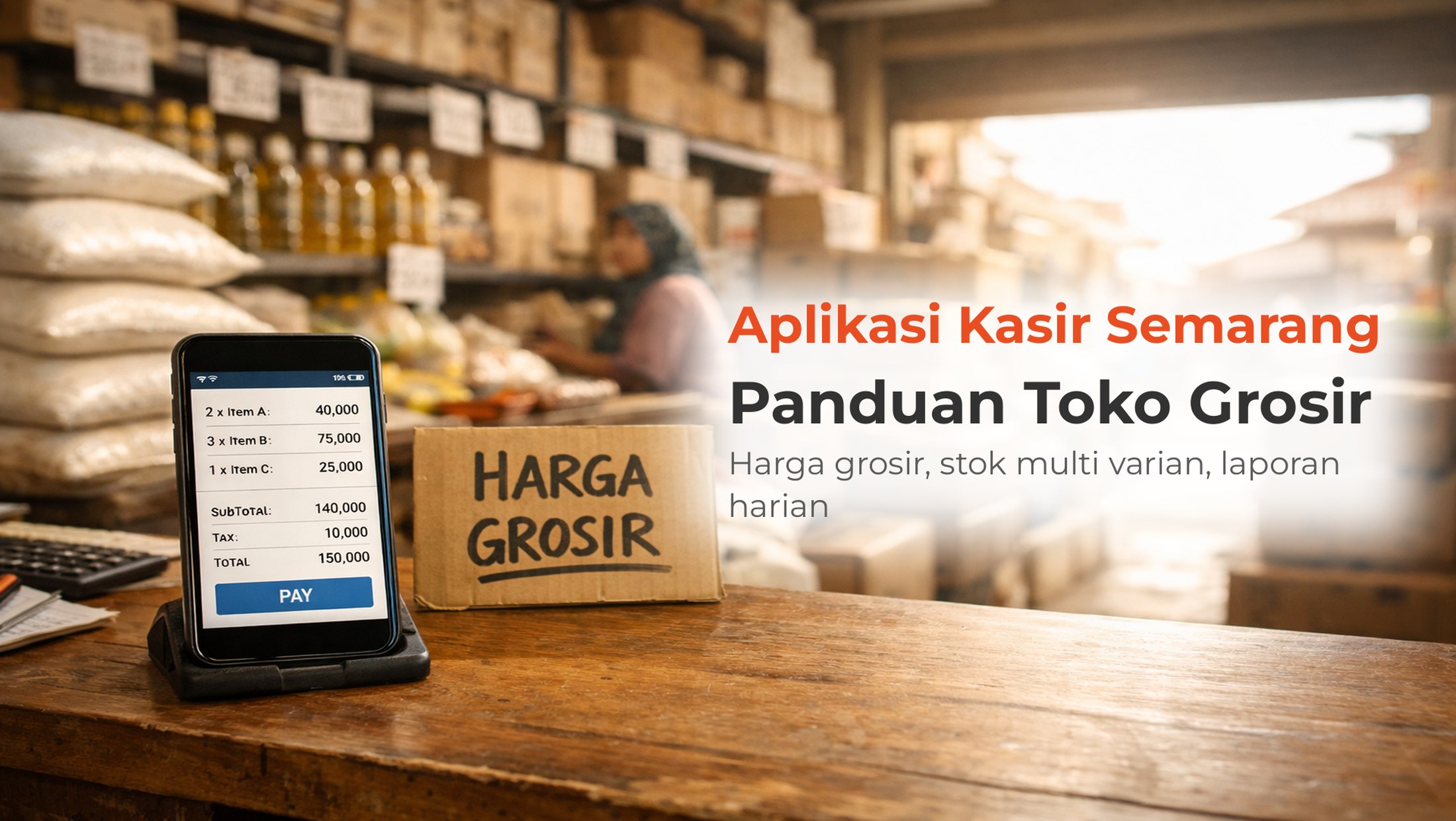
Semarang's wholesale trade rests on a wide base of small businesses. The city recorded 30,791 registered micro business actors in the SI Umi system as of 31 December 2025, up from 30,421 a year earlier, according to the Semarang City Cooperative and Small Business Office quoted in BPS Kota Semarang in Figures 2026. The same publication lists 52 traditional markets, 721 shops, and 20,600 trade actors in 2025 once market traders (16,040) and street vendors (4,560) are counted together. The full profile is in Kota Semarang Dalam Angka 2026. A POS app that records every sale makes those figures usable.
A POS app for wholesale stores in Semarang is a register system that records bulk and retail purchases on one receipt, uses tiered wholesale prices and minimum purchase quantities, tracks stock for every variant, and produces a daily sales report. Qasir Pro is Rp699,000 per 12 months, Pro Plus is Rp1,199,000 per 12 months, and a 7-day free trial opens every feature before the subscription starts.
POS App Comparison for Wholesale Stores in Semarang
Every price below was read from the vendor's own page on 24 November 2026, so confirm the rate before you pay. Qasir lists its tiers on its Pro plan page.
| Option | Verified Price | Subscription Model | Focus for Wholesale Stores |
|---|---|---|---|
| Qasir | Free 7-day trial with all features, Pro Rp699,000 per 12 months, Pro Plus Rp1,199,000 per 12 months, tax not included | Annual subscription, extra outlets billed separately | Wholesale price with minimum quantity, discount management, stock per variant, outlet allocation, export |
| Kasir Pintar | Free plan for up to 1,000 item records and 1 user, Pro Rp666,000 per 1 year, VAT included, 30-day trial | Free tier and annual Pro plan | Item records, sales and receipts, the free plan receipt carries a watermark |
| majoo | Starter Rp249,000 per outlet per month, Advance Rp499,000 per outlet per month, Prime Rp999,000 per outlet per month, tax and setup fee not included | Monthly fee per outlet | Business suite, wholesale feature in the Prime plan |
| Kasmini | KASMINI STOK Rp219,000 (from Rp250,000), KASMINI KREDIT Rp219,000, KASMINI BASIC Rp99,000, one-time payment, no subscription fee | One-time payment | Stock records, sales reports and customer credit records |
| Other alternatives | Varies by provider | Free tier, monthly fee or one-time payment | Each POS app states its own scope for pricing, stock and outlets |
Read the table as a starting point, not a verdict. Pick the rows that match how your store trades, then read each official page before comparing options. During a trial, test the same four things in every POS app you shortlisted: a bulk purchase reaching a minimum quantity, a retail purchase of the same item, one product sold in two variants leaving stock, and the daily report at closing time. Two Qasir users describe it:
Very helpful, especially for updating stock and prices. The reports also come through fast, including the daily sales report. The support team is friendly and quick to respond.
Monji, Google Play review, 5-star rating, August 2026
Very helpful for small businesses that need to control merchandise inventory and see the daily profit.
Pantai, Google Play review, 5-star rating, August 2026
Tip 1: Set the Wholesale Price and Minimum Quantity Before You Open
A wholesale counter runs on two prices for the same item, and the switch between them has to be automatic. A POS app that keeps a wholesale price and a minimum purchase quantity on one product record changes the price by itself once the quantity is reached, so counter staff do not have to remember a rule that shifts weekly. Our guide to the wholesale price feature explains the setup. Test it on the item you sell most, because a mistake repeats all day.
Concrete steps:
- Create the item once and set the normal and wholesale price on the same record.
- Set the minimum purchase quantity so the second rate starts at the agreed amount.
- Give the item a variant when it is sold in packs of different sizes, so each pack keeps its own price.
- Run a test purchase above and below the minimum quantity and read the receipt to confirm the price.
Tip 2: Compare the Cost of One Full Year, Not the Monthly Figure
A monthly price looks small until it is multiplied by twelve and by the number of outlets you run. A POS app billed per outlet per month, such as majoo at Rp249,000 for Starter, Rp499,000 for Advance and Rp999,000 for Prime, and one billed yearly, such as Qasir Pro at Rp699,000 per 12 months and Pro Plus at Rp1,199,000 per 12 months, reach very different totals for a shop with two counters. Add the setup fee, the tax and the cost of extra outlets to both sides.
Concrete steps:
- Write down the yearly total for each option, including tax, for the number of outlets you run.
- Separate what is included in the subscription from what is charged per outlet or per account.
- Note the length of the free trial, since a 7-day trial on Qasir and a 30-day trial on Kasir Pintar give different time to judge the routine.
- Compare the yearly figure with the transactions you expect in a busy month.
Tip 3: Test Stock Movement and Outlet Transfer During the Trial
Wholesale stock moves in ways a single counter never shows: a customer buys twenty cartons of one item, another takes a single unit of the next, and a slow item sits in the back room while the shelf empties. A POS app that records stock movement, stock history, stock turnover and stock allocation gives you the movement list per item, so the reorder decision comes from the record. Our guide to which products sell most from your own sales data explains how.
Concrete steps:
- Enter the real stock of ten items at the start of the trial, including the items in the back room.
- Sell across two variants of the same product and check that the remaining quantity follows the movement record.
- Move one item between outlets and confirm that the transfer appears in the stock report.
- Compare the stock list with your own count at the end of the week, and note the differences that need explaining.
FAQ: Choosing a POS System for Wholesale Stores in Semarang
Is there a free POS app for wholesale stores?
Several providers publish a free option, but the details differ. Qasir gives a 7-day free trial with every feature active, and the subscription starts after that week. Kasir Pintar publishes a Free plan limited to 1,000 item records and 1 user, with a watermark on the receipt, and a 30-day trial on its Pro plan. Kledo lists a Free tier with PRO at Rp159,900 per month billed yearly, and Smart POS lists a Free plan with Starter at Rp99,000. Check what the free tier allows, because a stock list with several hundred products is where the limits appear.
How much does a POS app for wholesale stores cost per year?
On Qasir, Pro is Rp699,000 per 12 months and Pro Plus is Rp1,199,000 per 12 months, both before tax, and the 24-month terms are Rp1,179,000 and Rp1,699,000. Kasir Pintar Pro is Rp666,000 per 1 year with VAT included. majoo is billed per outlet per month at Rp249,000 for Starter, Rp499,000 for Advance and Rp999,000 for Prime, before tax and setup fee. Kasmini sells a one-time payment: BASIC at Rp99,000, STOK at Rp219,000 and KREDIT at Rp219,000.
Can a wholesale POS app work without an internet connection?
Yes, and that matters for a shop in a market lane with weak signal. Qasir records the transaction offline on the device first and synchronises the data when the connection returns, as described in the Qasir guide to recording a transaction and in the Qasir help centre collection on transactions and payments. Test it during the trial by turning off the connection for one order, then check the daily report.
Can one POS app record wholesale and retail prices at the same time?
Yes, and this is the point of the wholesale price feature. On Qasir you enter a different price together with a minimum purchase quantity for the same product, and the second price applies automatically once the quantity is reached, while the normal price still works for a single unit. The catalogue sits on the additional features page, where wholesale price and export options are listed. Sell one unit, then sell the minimum quantity, and check both receipts.
Can a wholesale POS app record customer credit notes?
Yes. The Qasir help centre lists a credit note feature (kasbon in the Indonesian interface) and a dashboard page for managing those balances, so a running balance for regular buyers sits next to the sales record. Kasmini also sells a credit edition, KASMINI KREDIT at Rp219,000 as a one-time payment. Check how the balance is printed and settled, since a growing wholesale account is a cash flow question.
Business and Finance Tips for Wholesale Stores in Semarang
The register only supports the habits behind it. These four routines cost nothing extra and work with any POS app that records sales and expenses properly.
- Keep the store money separate from personal money, so the daily sales report can be compared with the money that reaches the bank account.
- Calculate the margin per item, not per receipt, and separate the wholesale price from the retail price when you work out the profit of a carton sold in bulk.
- Set aside a reserve of three months of average daily turnover, calculated from the monthly report, and move it to a separate account on a schedule.
- Review the prices of your fastest moving items every quarter and compare them with the current purchase price, because a small margin is decided by the purchase price.
Recording income and expenses explains how to start.
Qasir Features for Wholesale Stores
Wholesale Price with Minimum Purchase Quantity
The wholesale price feature lets you enter a different price and a minimum purchase quantity on one product, so the second price applies automatically once the quantity is reached. The benefit is that counter staff no longer calculate a special price on the spot, and every bulk sale is recorded at your price.
Discount Management for Regular Buyers
Discount management covers cashback, percentage, birthday and minimum purchase discounts, each program running on its own terms. The benefit is that a promotion for regular buyers is set once and recorded on every receipt instead of being handled by a note at the counter.
Stock Management and Allocation Between Outlets
Stock movement, stock history, stock turnover, product reminders and stock allocation sit in the same stock module, so an item leaving the shelf is recorded at the moment of sale. The benefit is that you see which products really move in a week, and can move stock between outlets without the count drifting.
Extra Options, Product Export and Payment Labels
Extra options attach choices such as pack size to a product, product export sends your catalogue out in a file, and payment labels name each way of paying so the daily report separates cash, transfer and credit. The benefit is one register covering the details a wholesale counter needs, from the variant on the receipt to the closing payment.
The full list is on the additional features page, and Qasir outlet management explains branches.
Conclusion
A POS app for a wholesale store in Semarang has to hold three things at once: a price that changes with the quantity bought, a stock record that moves when the goods leave the shelf, and a report that shows what came in and what went out without counting receipts. Qasir covers those points with the wholesale price feature, the stock module and the daily reports, and Qasir Pro is Rp699,000 per 12 months while Pro Plus is Rp1,199,000 per 12 months, both before tax. The 7-day free trial opens every feature, so the honest test is a trading week with real orders.
Compare the yearly cost for the number of outlets you run against the alternatives in the table above, and check the terms on each official page before you subscribe. Our guide to six reasons buying stock in bulk pays off covers the wholesale side, and managing product prices in each outlet covers the price side.
Manage Your Wholesale Store in Semarang More Easily with Qasir Features
Everything above sits in one system, and the fastest test is a real trading week:
- Wholesale prices with a minimum purchase quantity, so the price follows the quantity without manual calculation.
- Discount management for cashback, percentage, birthday and minimum purchase programs.
- Stock movement, stock history and stock allocation, so an item leaving the shelf is visible and stock moves between outlets.
- Extra options and product variants, so a carton, a half carton and a single unit are separate lines.
- Payment labels, queue numbers and digital receipts, so the daily report separates cash, transfer and credit payments.
- Daily reports, cash recap and product export, so the owner sees the turnover.
Questions during the trial? The Qasir team can be reached through the live chat feature guide. Download Qasir free on the Play Store and try the POS app on a real bulk order, a retail sale and a stock movement before you compare yearly plans.